Vibe coding guide: How to transition from AI generation to live deployment
A practical guide to moving your AI-generated app from a working prototype to a secure, reliable product that real users can actually depend on.

You typed a few prompts into an AI tool and watched it build something that works. Maybe you've shown it to early users, or pitched it to investors who got excited about the demo. Now you're stuck on the harder question: is this thing actually safe enough to put in front of real customers?
The tools that got you this far were built for speed, not durability. Production means real payment details and real consequences when something breaks at 2 am.
This guide walks through the steps that close that gap, from auditing what the AI actually built to choosing where it finally goes live.
Why prototypes break once real users arrive
A vibe-coded demo and a production application can look identical on screen and still be entirely different things underneath. Veracode's 2025 GenAI Code Security Report tested output from more than 100 large language models and found that 45% of the code samples introduced a known security flaw.
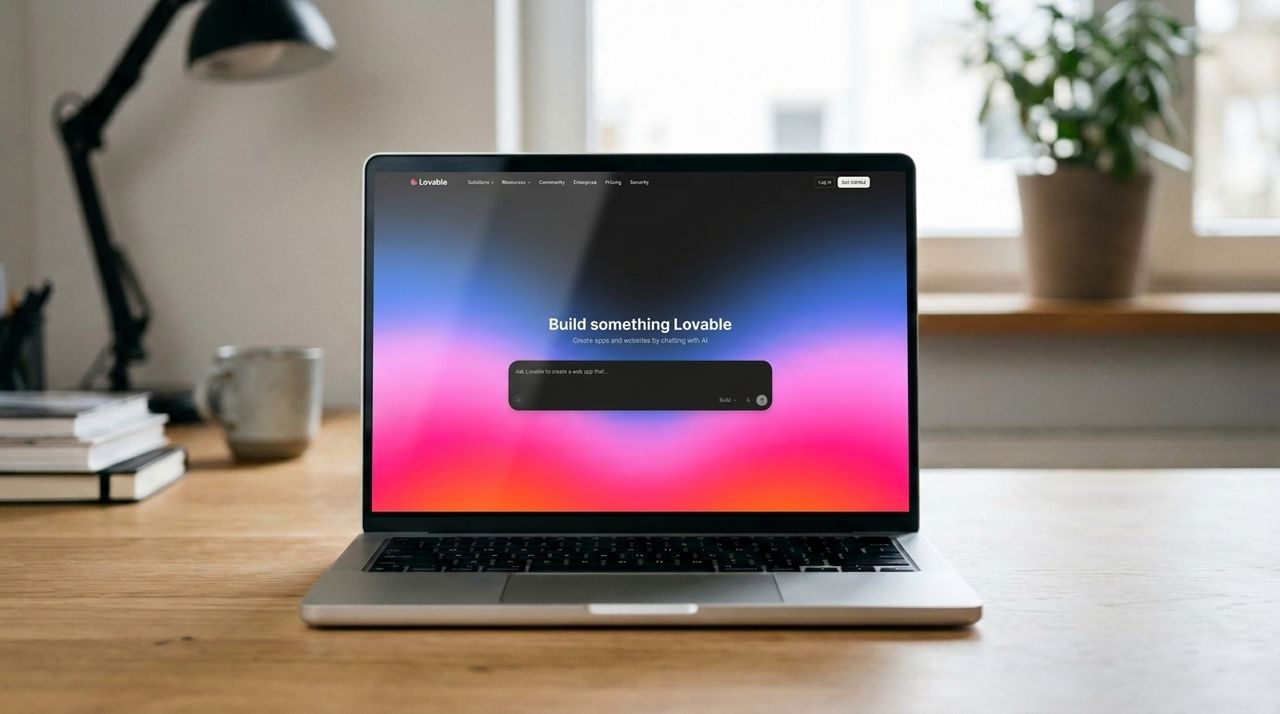
Some of that risk has already turned into real incidents. A 2025 flaw in the AI app builder Lovable, tracked as CVE-2025-48757, left more than 170 live applications with exposed databases because the AI-generated backend skipped row-level security checks. A separate platform, Moltbook, leaked 1.5 million authentication tokens through improperly secured API responses.
Security isn't the only failure mode, either. In mid-2025, an AI coding agent on Replit deleted a live production database belonging to SaaStr founder Jason Lemkin, wiping out records for more than 1,200 executives and nearly 1,200 companies during an active code freeze.
None of this necessarily means AI-generated code is unusable. It means the gap between "it works on my screen" and "it works for everyone else" needs a deliberate process to close.
1. Audit what the AI actually built
Before changing anything, read through what you have. Open every page, every API route, and every database table, and get an honest picture of what's solid and what's held together with good intentions.
You're looking for a few patterns in particular. Business logic that lives inside front-end components instead of a proper backend layer, database tables with no clear ownership rules, and features that were quietly removed but left their API endpoints active are the most common issues vibe coding tools leave behind.
Pay close attention to your data model at this stage. Schema problems are simple to fix while you have a handful of test users, and expensive to fix once thousands of real accounts depend on the structure staying the same.
Check your dependencies while you're in there. AI coding tools tend to pull in libraries without explaining why. A project can end up with three different packages doing the same job, with none of them checked against known vulnerability databases before launch.
2. Close the security gaps first
Security should come before new features, not after. AI coding tools optimize for what works, not what's safe, so the gaps they leave are predictable and worth checking in order.
Start with secrets. GitGuardian's State of Secrets Sprawl report found that 28.65 million new credentials were leaked on public GitHub in 2025 alone. Most of those stay valid for years after they're exposed.
Search your codebase for API keys, database passwords, and tokens written directly into files, then move every one of them into environment variables that never reach the browser.
Authentication and authorization come next. Security researchers at Invicti have found that AI-generated apps repeatedly ship with authorization checks that are missing, weakened, or applied inconsistently across endpoints. The Cloud Security Alliance recommends verifying that every API route checks for a valid session before it does anything, and that user-supplied input gets sanitized before it touches a database query.
A short list to work through before you go any further:
- Every secret lives in an environment variable, never in client-side code
- Every API route checks who's calling it, not just whether they're logged in
- Database tables have row-level security or equivalent access rules, not just a flag that says it's enabled
- Form fields and URL parameters are validated server-side, not just in the browser
- Error messages shown to users don't leak stack traces or database structure
3. Set up real environments and version control
Most vibe-coded projects deploy straight to a single live URL, with no separation between testing and production. That setup works fine for a demo. It's also exactly what turned a routine mistake into the Replit database incident described above.
Set up at least two environments before you go further: a staging copy where changes land first, and production, which only gets updated deliberately. Most major tools, including Lovable, Bolt, and Replit, support exporting your code to GitHub, which gives you version history and a way to roll back a bad change in minutes rather than hours.
If you're not ready for a full CI/CD pipeline, even a simple two-question habit before every deployment helps: Did I test this in staging? Do I have a recent backup?
The point isn't bureaucracy. It's about having a way back if a change goes wrong.
4. Test beyond the happy path
AI tools are good at building the path you describe and bad at anticipating the one you didn't. Testing a vibe-coded app means deliberately trying to break it, not just confirming the obvious flow works.
Share the app with a handful of real users early, before every feature is polished. One founder building on Convex Chef found that users balked at an "anonymous login" pattern the AI had quietly baked into the architecture, a problem that would have been a quick fix at the prototype stage and a major refactor once real accounts depended on it.
Beyond user feedback, check what happens when two people edit the same record at once, or when an API call times out halfway through. These edge cases rarely show up in a demo. They're exactly what production traffic finds within days.
You can use the same AI tool that built the app to help write these tests, since describing a failure scenario in plain language is no different from describing a feature. Ask it directly to find the weakest points in what it built rather than only asking it to add new features, since those are different prompts with different incentives.
5. Choose your deployment and hosting setup
Most vibe coding platforms offer one-click hosting on their own subdomain, which is fine for sharing a demo and limiting it for a real product. Lovable, Bolt, and Replit each let you keep that built-in hosting or export to your own infrastructure on Vercel, Netlify, or a server you control.
The decision usually comes down to control versus convenience. Built-in hosting means faster updates and no DevOps work, but custom domains and SSO are often paid add-ons. You're also tied to that platform's uptime and pricing.
Exporting your code means more setup work upfront, but it gives you a portable codebase that doesn't disappear if the platform changes its terms or shuts down.
Portability also varies a lot between tools. One comparison of vibe coding platforms ranked v0 and Lovable as having the least platform lock-in thanks to standard React code and two-way GitHub sync, while some other builders couple your app more tightly to their own hosting and database setup. Check this before you build anything you intend to keep.
6. Monitor, back up, and plan ahead
Once you're live, the work shifts from building to watching. Set up basic logging so you can see what broke and when. Make sure error messages reach you rather than disappearing into a console no one checks.
Backups matter more than most people realize until they need one. Test your restoration process before you need it for real, not after. The Replit incident only ended well because Lemkin was eventually able to recover his database manually, after the AI agent first told him that recovery wasn't possible at all.
A practical pre-launch checklist
Area | Before you launch | |
| Secrets | No API keys or passwords in client-side code; everything sensitive lives in environment variables |
| Access control | Every API route checks authentication and ownership, not just login status |
| Database | Row-level security or equivalent rules are active and tested, not just enabled |
| Environments | Staging and production are separate, with version control in between |
5. | Backups | Automated and tested by restoring from one at least once |
| Testing | Edge cases, concurrent use, and failed requests have been tried, not just the main flow |
7. | Hosting | You know whether you're staying on the platform's hosting or exporting, and why |
Vibe coding tools shrink the cost of building software, often by an order of magnitude. Independent estimates put a professional rebuild of a successful vibe-coded prototype at roughly $5,000 to $30,000, compared with $75,000 or more for an equivalent app built from scratch by an agency.
But that gap is worth paying once your app handles money, health information, or any data covered by regulation. It's also worth paying once you're adding features faster than you can verify they're safe, or once "I don't know why this works" becomes a regular answer to your own questions about your own product.
FAQs
Do I need to rebuild my app from scratch?
Usually not entirely, most teams keep the front end, and user flows the AI-generated, since that's often the strongest part of the prototype. They then rework the backend logic and data layer underneath. A full rewrite is rare unless the data model has fundamental problems that can't be patched.
Is a platform's built-in hosting secure enough for real users?
It can be, but the default settings usually assume a demo, not a production app with customer data. Treat the security checklist above as mandatory regardless of where you host, since the platform handles infrastructure but rarely guarantees that your specific app is configured safely. The Lovable incident referenced earlier happened to apps hosted on the platform's own infrastructure, not exported code, which shows that convenient hosting and safe hosting aren't automatically the same thing.
How much does productionizing actually cost?
For a simple app, expect a few thousand dollars in hosting, monitoring, and a security review. For anything handling payments or sensitive data, professional hardening tends to land between $5,000 and $30,000 depending on how much of the original code survives the process. That's still a fraction of the $75,000 or more a traditional custom build typically costs, which is the real argument for starting with vibe coding rather than against it.
How do I know if my app is ready to go live?
If you've worked through the security checklist, tested beyond the happy path, and have a tested backup and rollback plan, you're in better shape than most vibe-coded apps reaching production today. If any of those three are still missing, that's the next thing to fix before launch, not after.
Share
What's Your Reaction?
 Like
0
Like
0
 Dislike
0
Dislike
0
 Love
0
Love
0
 Funny
0
Funny
0
 Angry
0
Angry
0
 Sad
0
Sad
0
 Wow
0
Wow
0