This curved MSI MAG 242C monitor is now under $100, making it the budget productivity upgrade for your home office setup — but this Best Buy deal ends soon
180Hz, 1ms MPRT, Adaptive Sync, built-in speakers, and a fully ergonomic stand — the MSI MAG 242C is under a hundred bucks.

Budget monitors at this price often cut corners in ways you notice every day — a stand that only tilts, no speakers, a 75Hz panel. The MSI MAG 242C is $100 (was $120) at Best Buy, and it avoids most of those compromises.
You get a 24-inch 1080p VA curved panel running at 180Hz, a height-adjustable ergonomic stand, Adaptive Sync, and built-in speakers — at a price that’s hard to argue with if you need a capable everyday display.
The 1500R curve on a 24-inch screen is subtle rather than dramatic — it wraps the edges slightly closer to your field of view, which makes text and content feel more immersive during long sessions without being distracting. VA panels at this size deliver a 3000:1 contrast ratio that IPS alternatives at the same price can’t match, giving you deeper blacks and more defined shadows in both work and entertainment content.
Today's top monitor deal
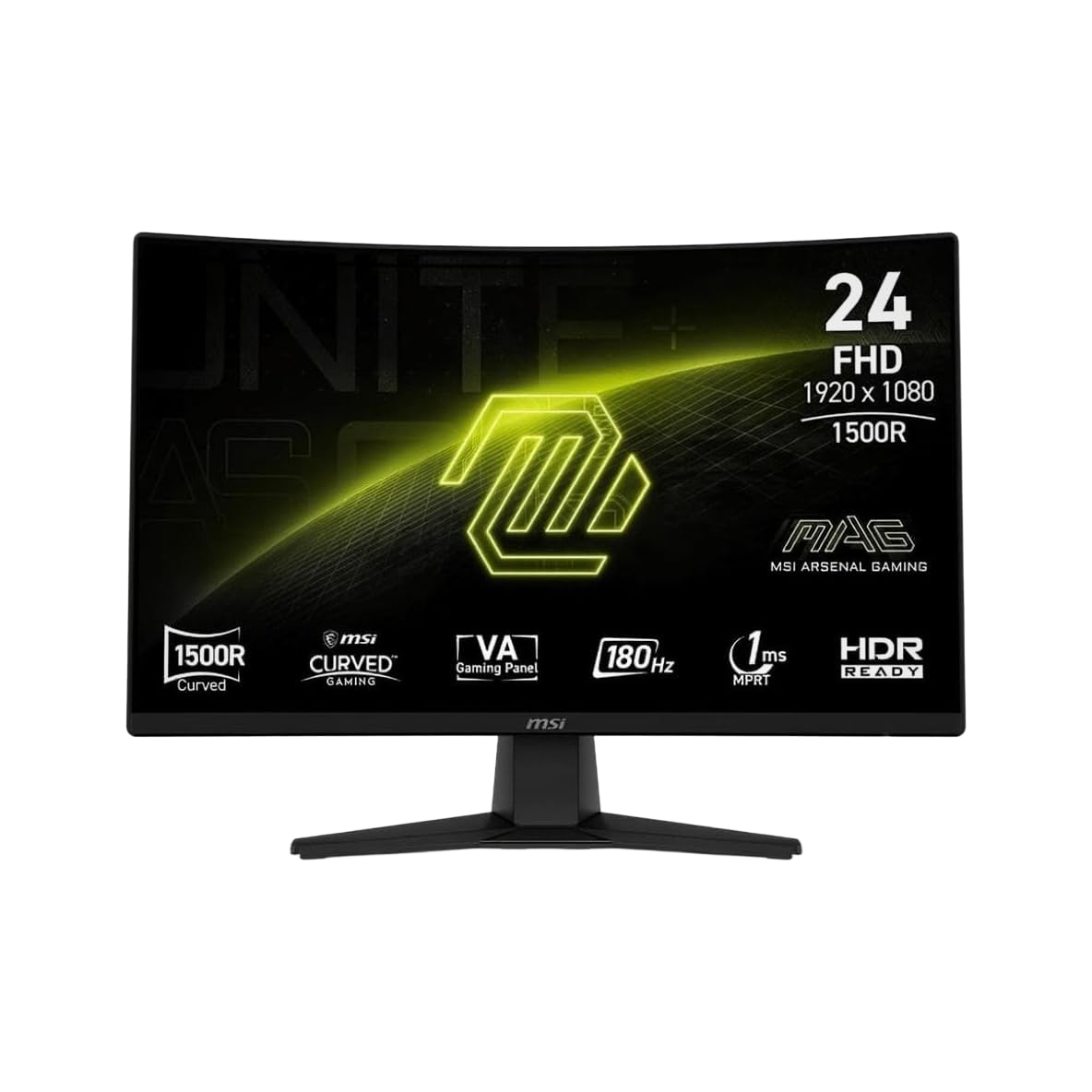
A 24-inch 1500R curved VA panel at 1920×1080 with a 180Hz refresh rate and 1ms MPRT response time. Adaptive Sync keeps things tear-free across the full refresh range. The stand offers tilt and height adjustment, which is more than most monitors at this price bother with. Built-in 2W speakers mean one less peripheral on your desk. DisplayPort and HDMI inputs, VESA-mountable, and MSI’s Less Blue Light software for extended-session comfort. A well-rounded package for under $100.View Deal
180Hz on a budget 1080p monitor is increasingly the baseline worth buying at, and the MAG 242C delivers it on a VA panel rather than the cheaper TN displays that sometimes populate this price tier. The difference matters for everyday use: VA panels offer significantly wider viewing angles than TN, so colors stay accurate whether you’re sitting dead-center or glancing across from another screen. The 3000:1 static contrast ratio also means content with dark scenes — films, TV shows, games at night — looks noticeably more defined than on IPS alternatives at the same price point.
The height-adjustable stand is the spec that separates this from a lot of the competition. Most budget monitors at this price offer tilt only — enough to angle the screen slightly, but not enough to properly position it at eye level for an eight-hour working day. The MAG 242C’s stand lets you dial in the right height for your setup, which is the kind of ergonomic detail that matters more over time than any panel specification.
Adaptive Sync covers the full 48–180Hz variable refresh range, eliminating tearing and stuttering across the panel’s entire operating window. For buyers connecting an AMD GPU, FreeSync works natively; Nvidia GPU owners can use G-Sync Compatible mode on supported cards. Either way, the result is smoother, tear-free output whether you’re gaming, scrolling a web page, or watching video.
The built-in 2W speakers are a modest but practical inclusion. They won’t replace a proper speaker setup, but they cover the basics for video calls, background audio, and casual video watching without requiring a separate peripheral.
The MAG 242C’s connectivity covers the essentials: one DisplayPort 1.2 and one HDMI 1.4 input, plus a 3.5mm audio jack. The 100×100mm VESA pattern gives you a clear path to a monitor arm if the included stand isn’t right for your setup. MSI’s Less Blue Light software provides software-level blue light reduction for extended sessions.
One honest note: the HDMI port is version 1.4, which caps HDMI input at 144Hz rather than the full 180Hz. To get the maximum refresh rate, use the DisplayPort connection. For most everyday use cases, this is a non-issue, but it’s worth knowing before you connect a console or a device that relies on HDMI.
Also consider: More monitor deals
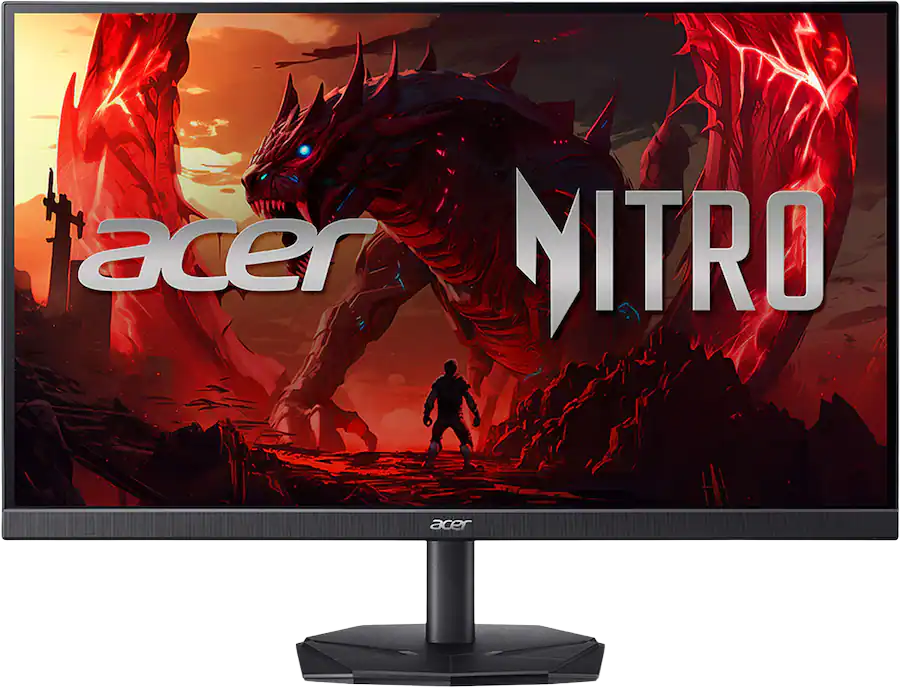
This 27-inch WQHD display has all the core features I look for in a budget monitor, including good brightness, DIsplayPort and HDMI ports, flicker-free backlight, and Low Blue Light mode for better eye-care when you're staring at the screen. It hits 90% DCI-P3 if you're using it to create images for online. View Deal
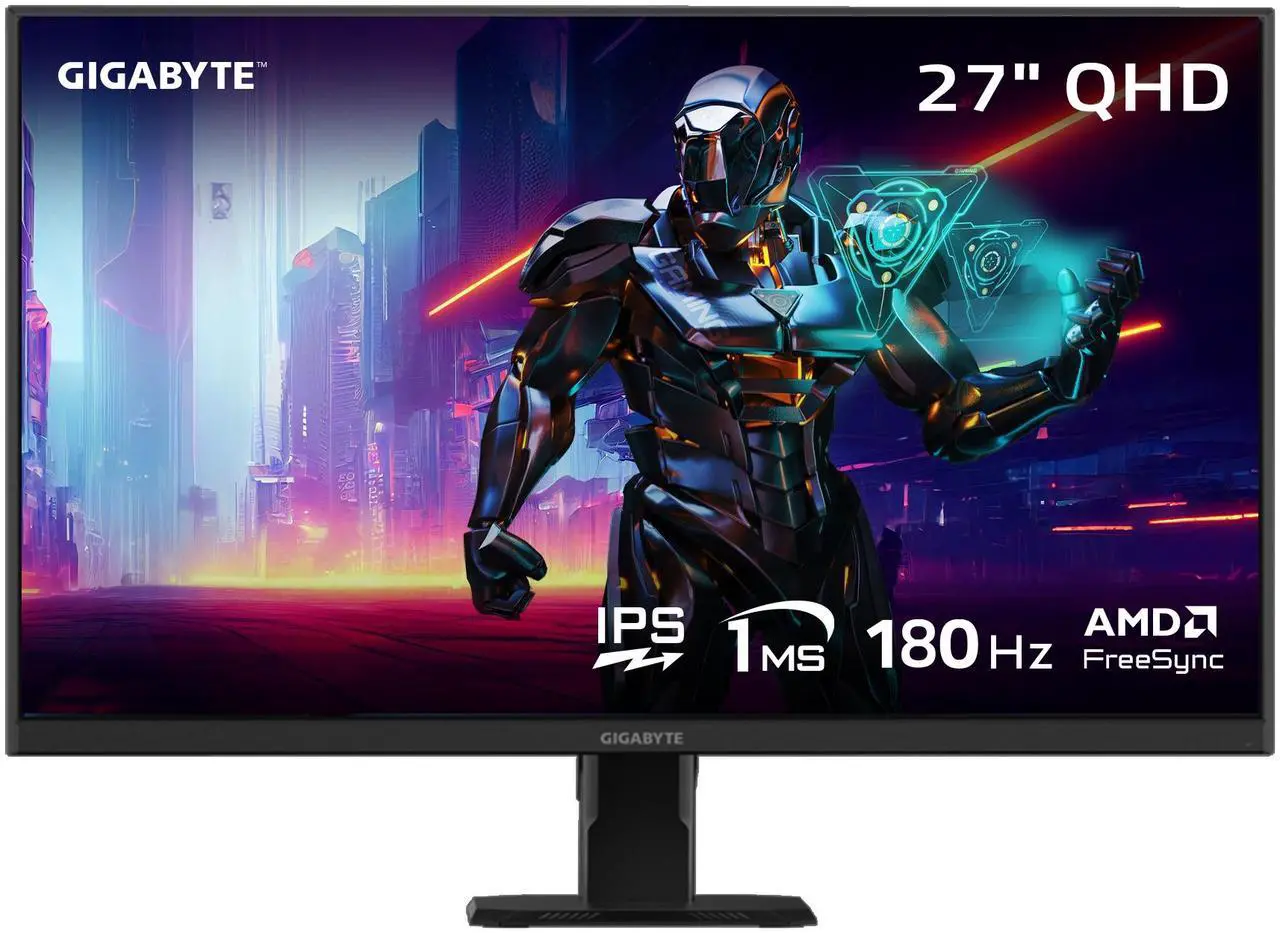
Looking for a cheap gaming monitor that doesn't skimp on image quality or features? Newegg's current price cut on the Gigabyte GS27QA could be a fantastic option. Alongside an impressive IPS panel, the 27-inch GS27QA features a 1ms response time and a 185Hz refresh rate, making it very well-featured for the price. View Deal
Share
What's Your Reaction?
 Like
0
Like
0
 Dislike
0
Dislike
0
 Love
0
Love
0
 Funny
0
Funny
0
 Angry
0
Angry
0
 Sad
0
Sad
0
 Wow
0
Wow
0