This app turned me into the music creator that GarageBand never could
Homescreen Heroes: BandLab is a free music-making app for recording vocals, making beats, and mixing demos

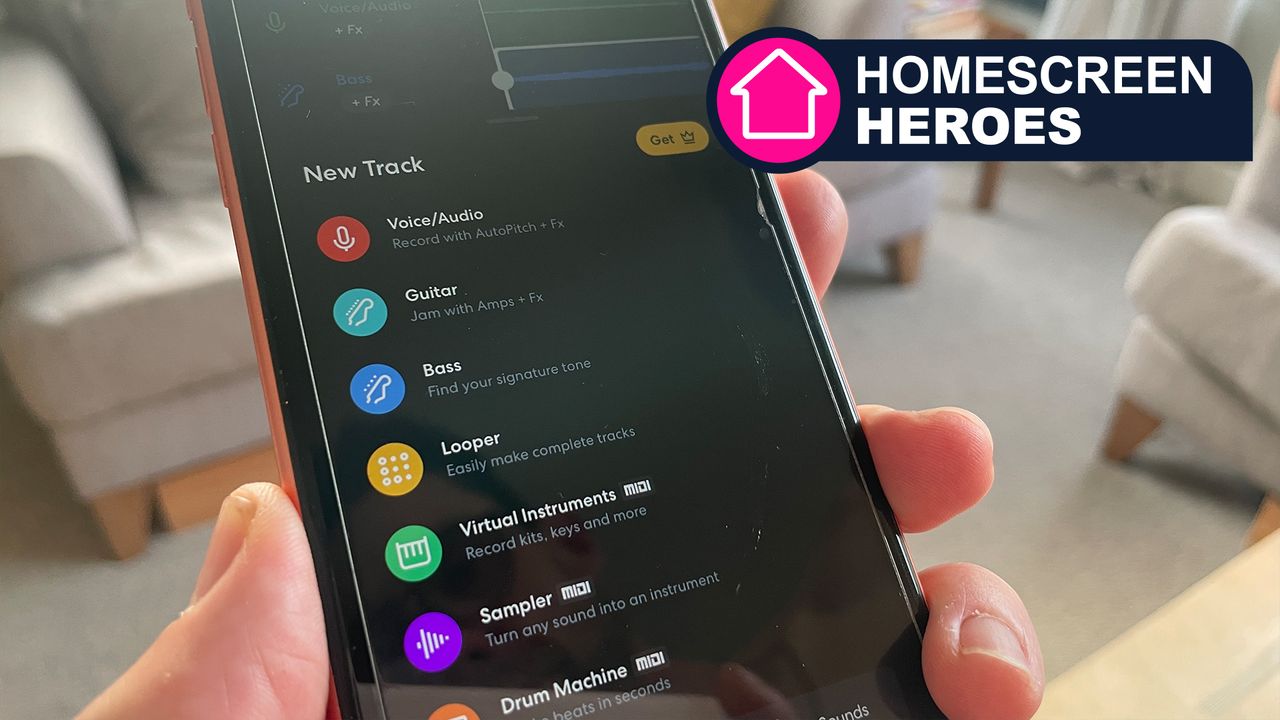
Over the years, there's been one iPhone app that keeps drawing me back. It’s called GarageBand, and since its iOS release in 2011, it has consistently managed to keep its claws stuck into me. There’s something about being able to generate good-sounding music with just a few loops that keeps me dreaming of being a music creator!
But, as good as GarageBand is, it’s not the only kid on the block, and I’ve recently been wondering what the alternatives are. There’s Splash, WalkBand, and FL Studio Mobile, to name only a few, but I’ve recently landed on BandLab as my favorite GarageBand alternative.
BandLab is a free music-making app and one of the quickest ways to turn ideas into release-ready tracks. It’s feature-rich, comprehensive, and easy-to-use, all with a nifty (albeit ad-heavy) interface, and it's simple and intuitive to use.
This is part of a regular series of articles exploring the apps that we couldn't live without. Read them all here.
The BandLab app has enough depth to deliver professional results while also being playful enough to have that GarageBand experimental feel. And as you’d imagine, there are a host of AI music generation tools to get your teeth stuck into as well. This is 2026 after all!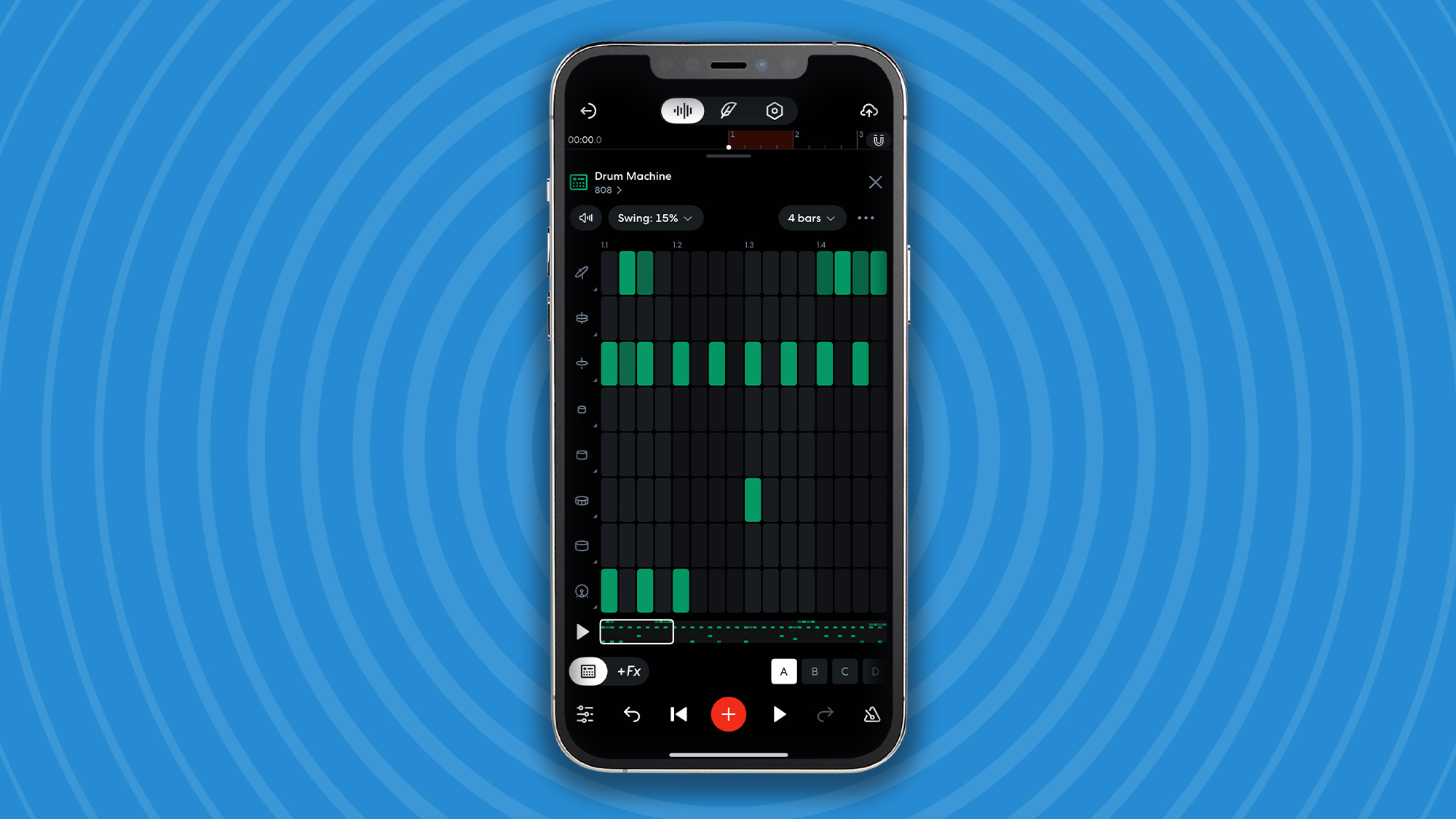
Creating music is a breeze
The first step involves creating music. This can be done by uploading an audio file or adding a track. I started from scratch and laid down a drum beat, which I subsequently edited. Creation and editing tools are fast, intuitive, and easy to find, so even though I was new to BandLab, I was able to find my way around without any problem at all.
From there, I entered Studio mode and started laying down multiple tracks, including voice, drum, bass, and guitar. Each instrument comes with its own interface, but with enough consistency between them to not overcomplicate navigation.
Without any formal training, I was able to add effects, crop clips, and perform auto-pitching. With over 300 sound presets, premade drum kits, and 100K+ loop and layer sounds, I effortlessly created a professional-sounding mix.
If at any time I needed to change the settings of my project, I could do so using the Project Settings tab. It's possible to change the tempo, time signature, and project key. Underneath these, there are the app's studio settings, such as changing the input device, which is your phone by default, or whether or not you want a count-in not.
From there, the library of projects becomes your friend. With it, you can manage albums, bands, playlists, and more. It’s also the easiest way to duplicate tracks for creating multiple edits of the same song.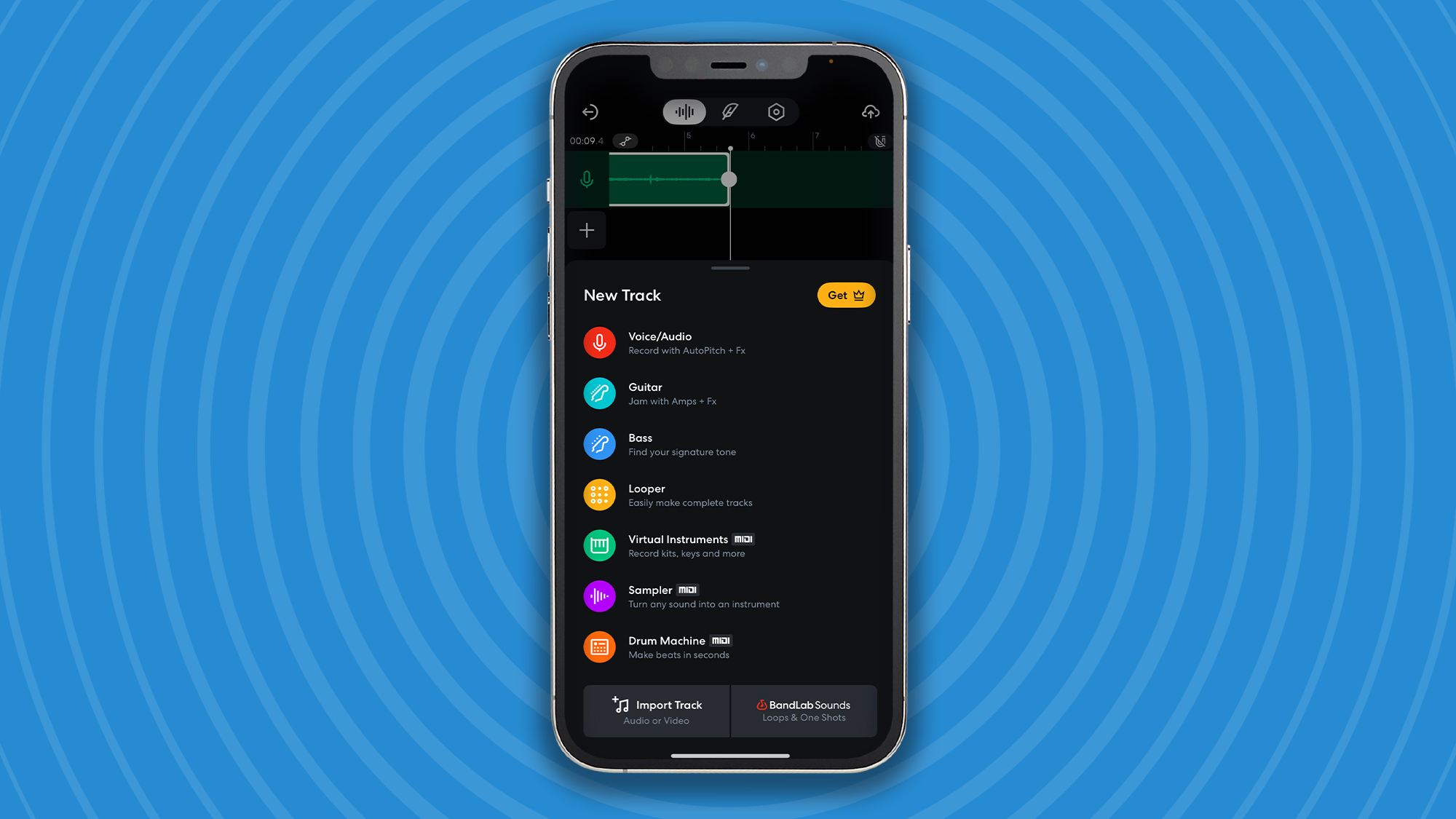
Collaborate and share
One of the best collaboration tools centers around creating music as a band rather than individually. Any project you’ve already created can be assigned to a band, or if you create a new project, then it can be done at the point of creation. Either way, sharing your project lets other band members contribute to the creation process.
With your music created, it’s time to share it. With BandLab, publishing, sharing, and social media tools are built into the very heart of the app experience. Through it, you can easily connect and collaborate with like-minded creators on the BandLab social music platform.
BandLab is much bigger than just your world of music. The Home tab provides access to a vibrant feed of music and videos from other artists. This helped me discover new artists as well as genres of music that I never considered exploring.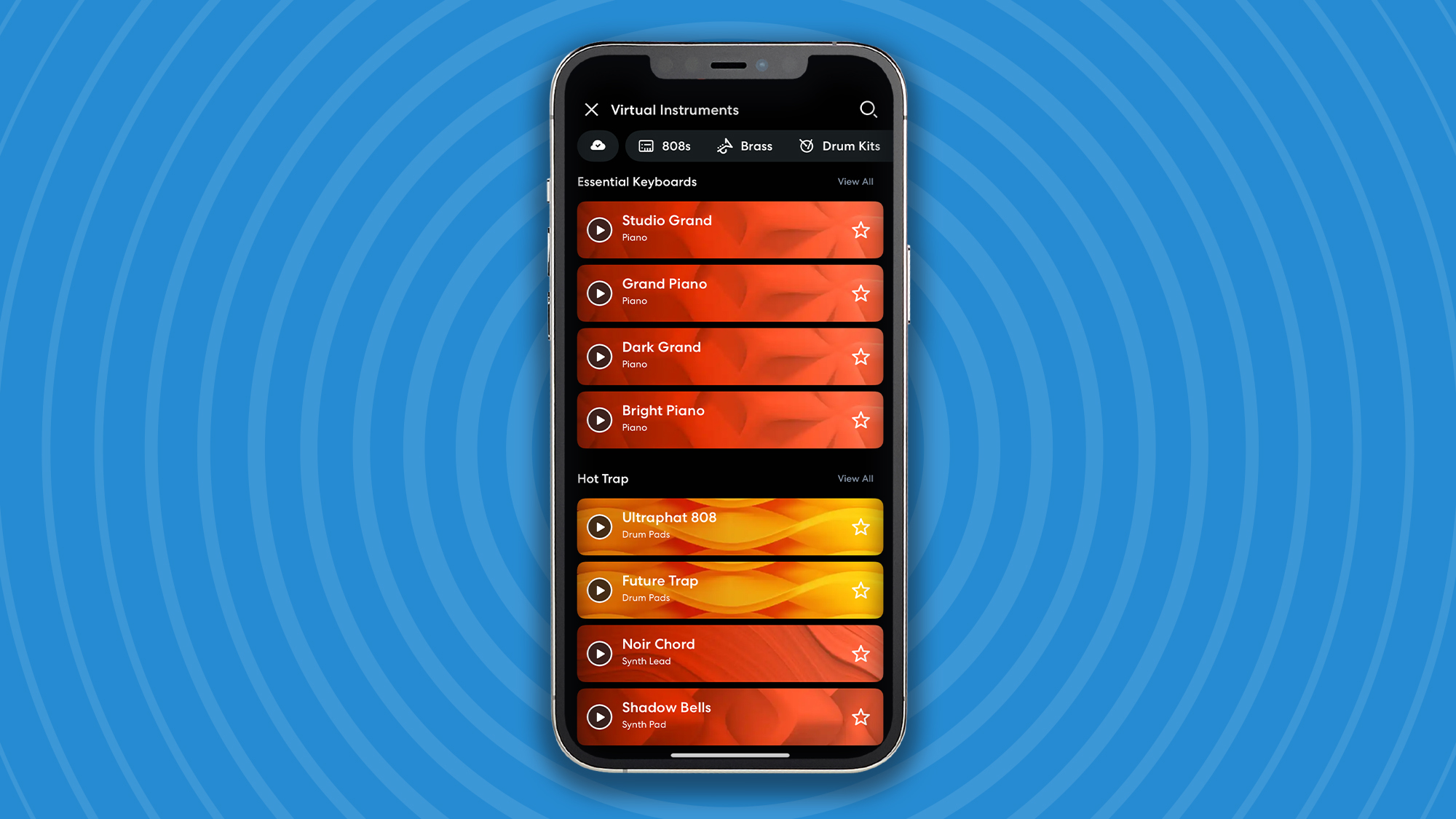
Go big with BandLab Premium
Getting a BandLab membership unlocks exclusive creation features with AI tools. One premium feature that is well worth the monthly cost is AutoMix, which instantly adjusts a track’s volume and panning for a clean, polished mix. All you have to do is pick a genre, and you get a balanced, polished mix in seconds.
BandLab Pro is available for $180 / £149 per year, or if you want the complete unlocked experience, then you’ll need a BandLab Max membership, which costs $360 / £199 per year.
Share
What's Your Reaction?
 Like
0
Like
0
 Dislike
0
Dislike
0
 Love
0
Love
0
 Funny
0
Funny
0
 Angry
0
Angry
0
 Sad
0
Sad
0
 Wow
0
Wow
0