I'm a tech expert, and believe me: your next laptop’s battery life is about more than just battery size
When buying a new laptop, you want to make sure it offers good battery life, but that doesn't just mean looking at capacity and manufacturers' claims. Here's what you really need to consider...

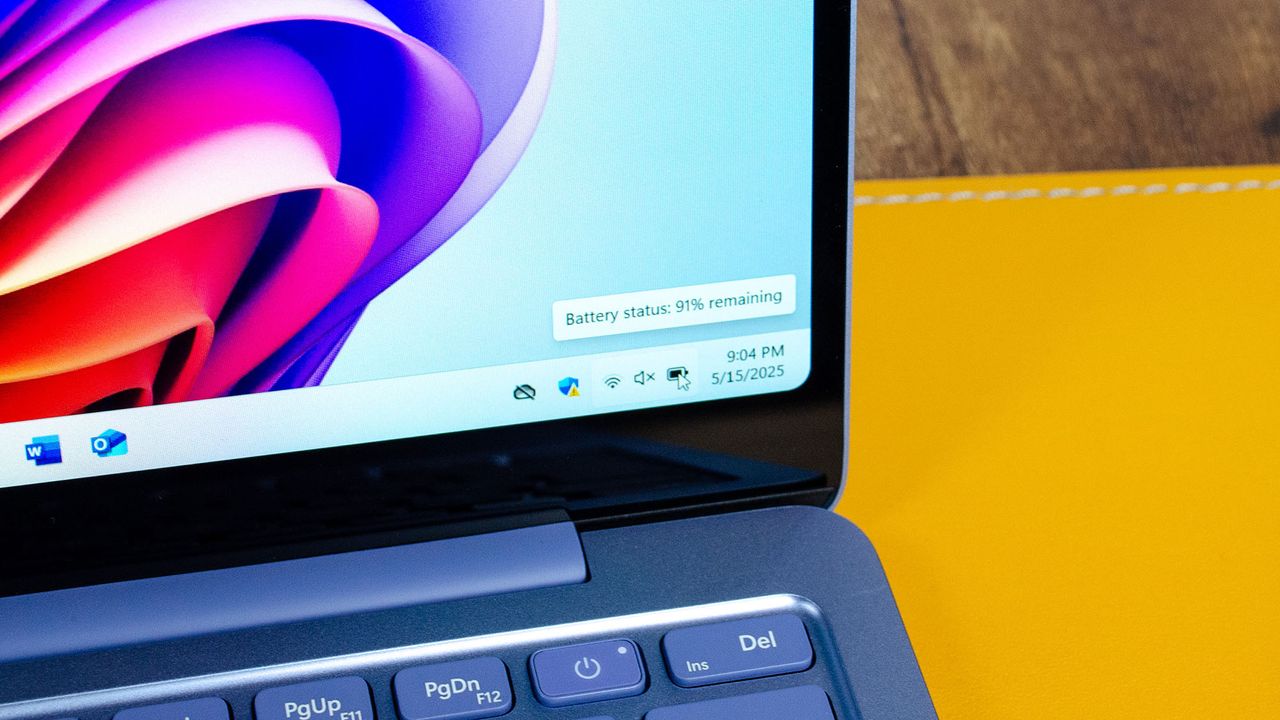
In 2026, buying a new laptop, whether that's the best Windows laptop or the best MacBook, is still a fairly involved process that requires balancing an ever-expanding array of features and specs with your everyday requirements.
With the proliferation of AI, as both a new set of features and a branding exercise (think Microsoft's Copilot+ PC, for example), the list is only getting longer.
However, one universally essential feature everyone needs is above-average battery life.
A common mistake when assessing your options might be to simply rely on the manufacturer's “up to X hours” claim or watt-hour rating. Both of these are useful signals, but they don't tell the full story.
While a bigger battery can definitely help, going on pure numbers alone does not guarantee better battery life. Two laptops with similar battery sizes can actually last very different lengths of time.
A more useful frame of comparison is looking at how efficiently a laptop uses its available battery capacity, including whether its CPU and GPU are tuned to maximise battery life over raw power.
In recent years, Apple has been an expert in this domain, eking out longer and longer video playback and everyday usage times by optimising its M-series of chips specifically to use as little power as possible. 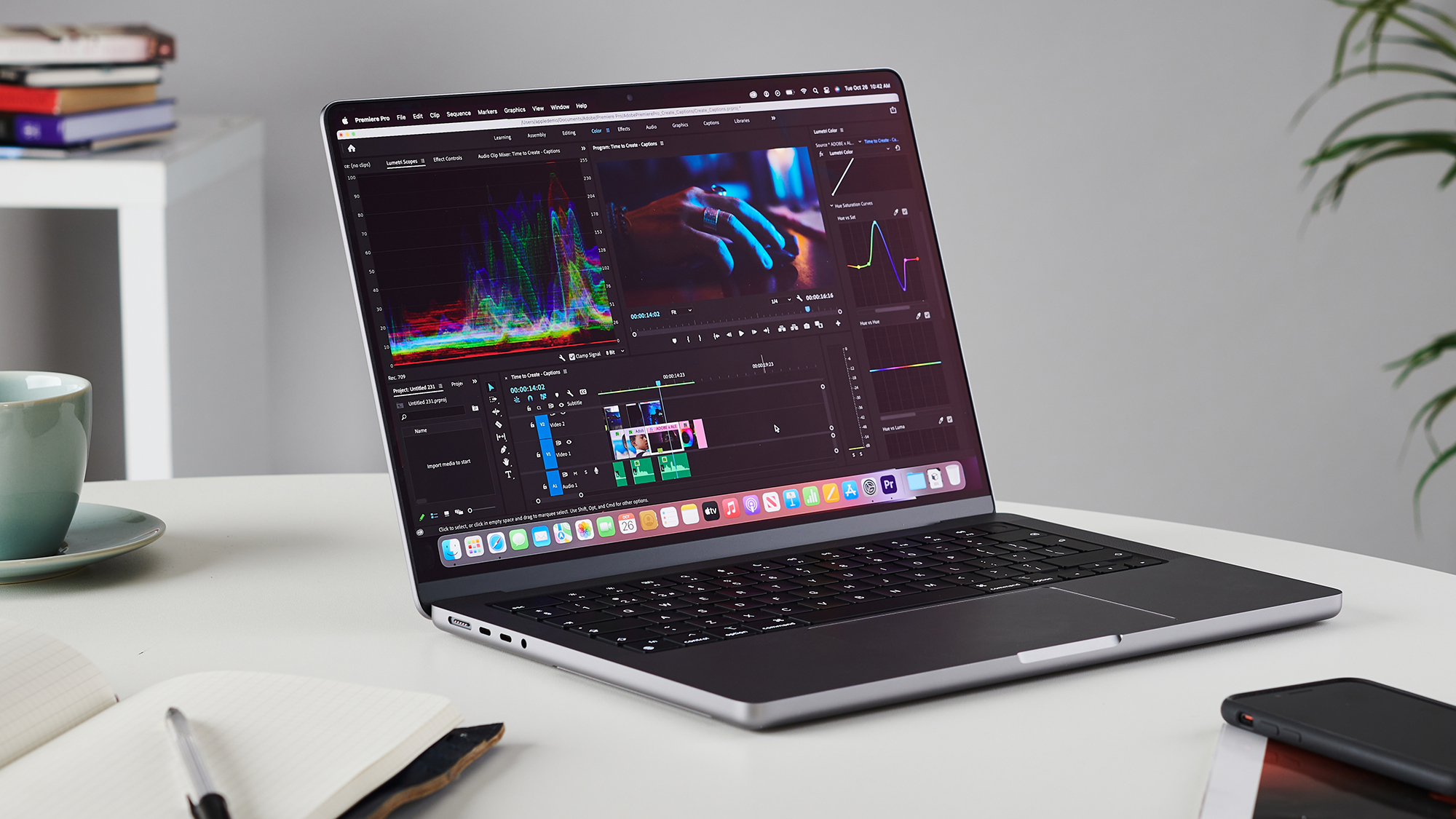
Why battery capacity still matters
Of course, we're not saying that battery capacity doesn't matter – a larger battery should offer longer times between charges in most cases, in the same way that a car with a bigger fuel tank can travel further between stops.
The rub is that laptops are rarely equal, and while a bigger machine might have more space for a larger battery, it almost certainly pairs that with a bigger display, a faster CPU and GPU, more cooling demand, and so on.
Every component of a laptop needs power, and these can eat into any advantage gained from having a purely larger battery capacity.
Physics applies its own limits, too. A bigger battery is naturally thicker and heavier, often defeating the point of modern ultraportables like the MacBook Neo that prioritise being thin and light.
There's also a practical ceiling: many laptop batteries sit below the 100Wh limit used for regular air travel, so manufacturers cannot simply scale capacity forever.
Checking the watt-hour rating and manufacturer claims of "all-day usage" is still worthwhile, but these tell you more about how much energy your laptop's battery can store, not what it looks like in practical day-to-day use. 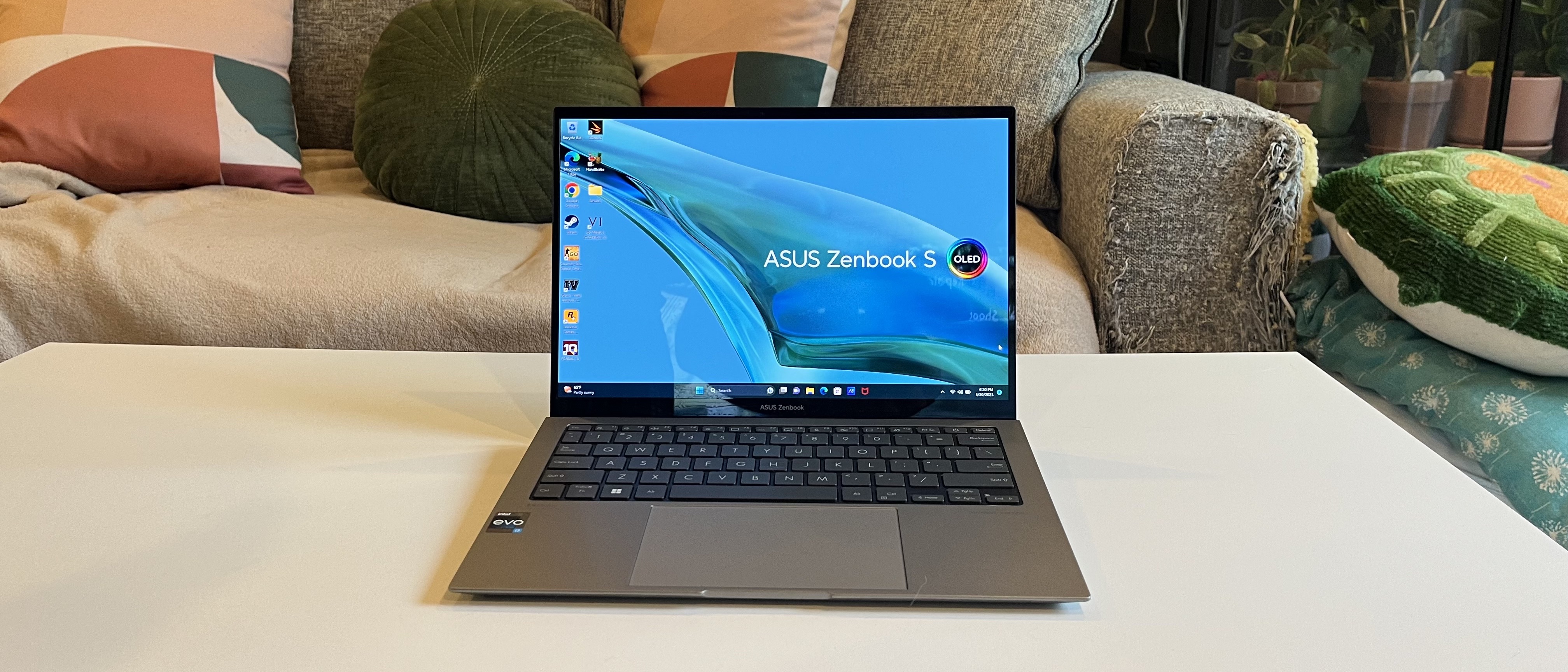
The display is the biggest everyday drain
Any consideration of battery life has to start with the display, which can often be the easiest thing to overlook, despite being the feature you use the most.
The main factor at play is brightness. To state the obvious, a laptop used at 100% brightness – especially when working outside or under bright lights – is going to drain its battery a lot faster than on a lower setting.
On top of that, resolution, panel type, and refresh rate (especially for newer variable displays that go up to 120Hz or 144Hz) can all dramatically increase energy usage.
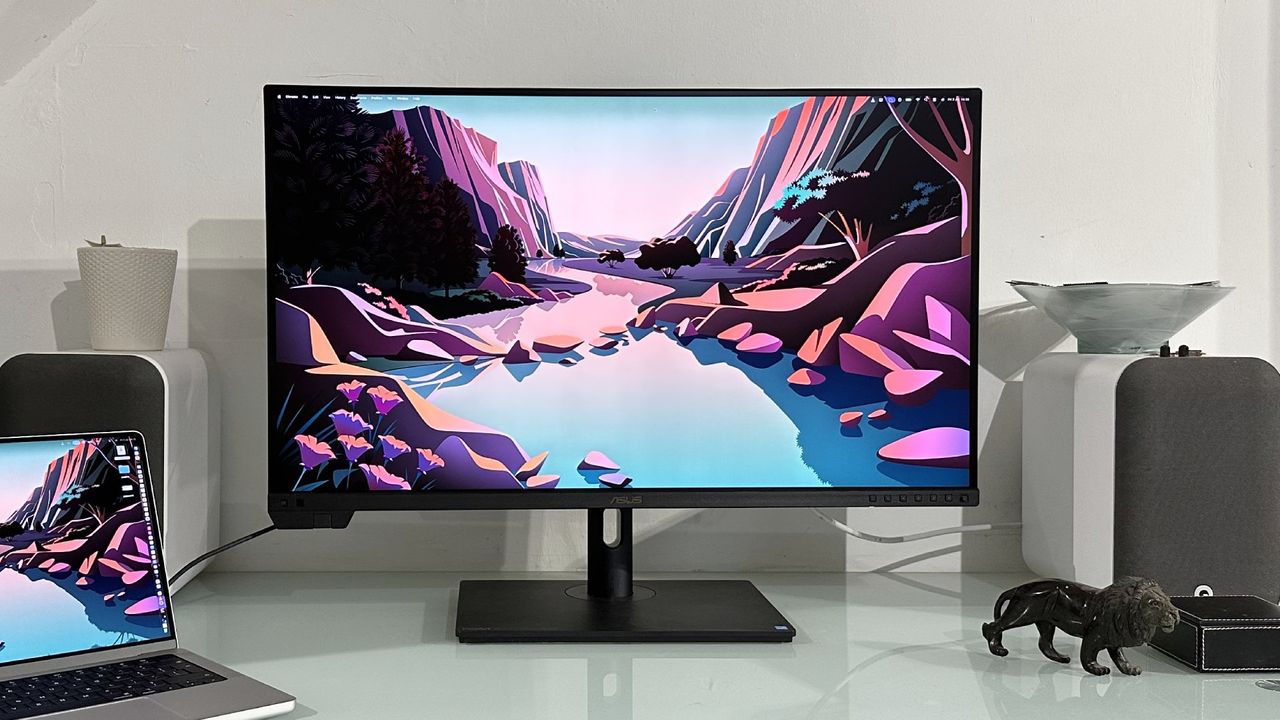
3K and 4K displays look absolutely fantastic, especially for creative work or watching films, but they will kill your battery life fast. OLED displays are in a similar category, offering incredibly deep blacks due to local pixel-dimming while consuming lots of power to show bright webpages and documents.
Refresh rates have become more of a factor in battery usage in recent years, too. A fixed 120Hz or 144Hz panel can naturally make scrolling and animations feel smoother, but it also refreshes the screen more often, requiring more power.
Taken together, you should at least consider the type of display and its impact on battery life when choosing a new laptop – a top-end 120Hz OLED panel sounds awesome right up until you try to work all day away from a plug. 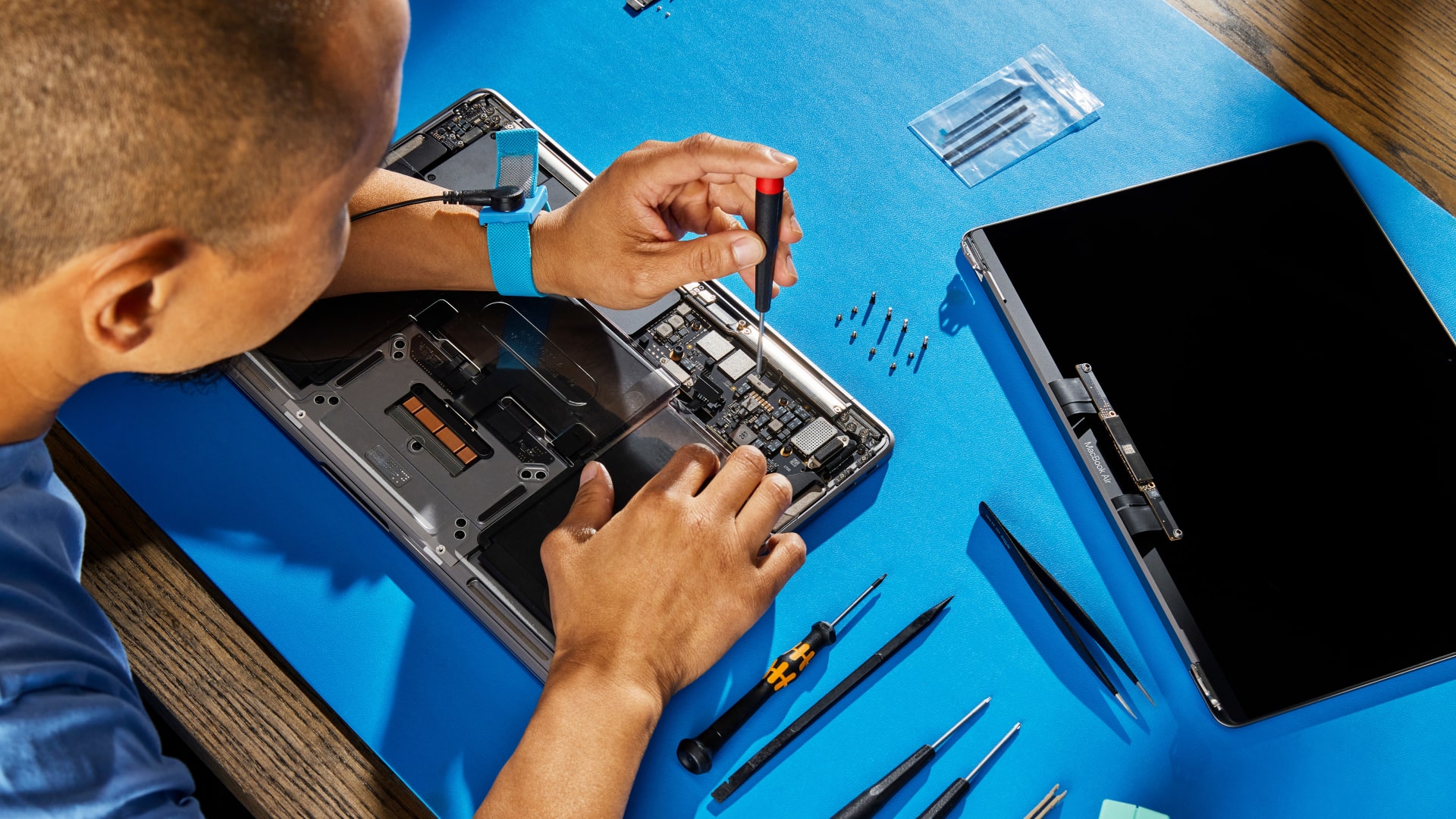
Efficient chips change what “all-day” means
As the success of Apple's M-series chips shows, the chip inside your laptop plays a huge part. Gone are the days when processors were simply about speed; the better question is how much computation you can get for your battery draw.
Apple Silicon, found in both Macs and iPhones, is designed specifically for Apple’s hardware and software, so macOS and iOS can make very efficient use of the available power, especially during everyday tasks.
In recent times, Windows laptops have also made big strides.
Intel’s Core Ultra chips, AMD’s Ryzen AI processors, and Qualcomm’s Snapdragon X chips, utilising Arm-based designs, are all part of the same wider shift towards prioritizing performance per watt.
Modern chips optimize for extended battery life in several clever ways. For example, low-power cores can handle lighter jobs, integrated graphics can take care of basic visual tasks, and dedicated media engines can play video more efficiently than if the main processor has to do all the work itself.
Taken together, these innovations mean that newer laptops with similarly sized batteries can dramatically outlast older generations. 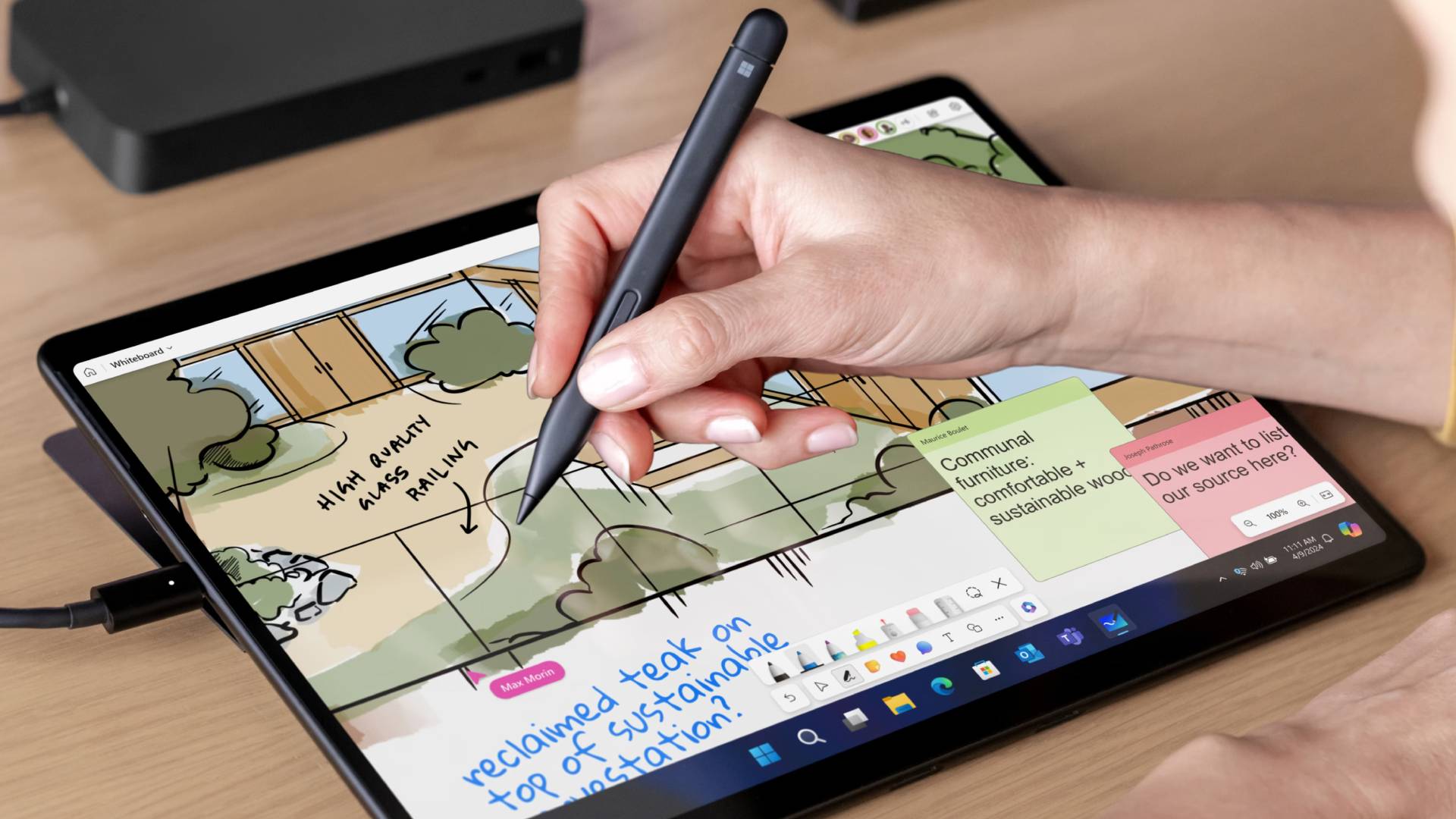
Windows, macOS, and apps all affect the final number
Hardware only gets you so far. A laptop can have an efficient chip, sensible display, and decent battery capacity, but the operating system and apps still decide how often those components are being pushed.
Apple has the clearest advantage thanks to its end-to-end hardware and software designs. macOS only has to run on a handful of Mac laptops and desktops, all of which are built around Apple Silicon chips, displays, and power management – everything is tightly controlled.
On the other hand, Windows has to work with a near-infinite combination of hardware and software from thousands of OEMs around the world. It must run across Intel, AMD, and Arm-based laptops, with different screens, drivers, utilities, and manufacturer settings.
This situation doesn't stop Windows laptops from having great battery life – as our extensive testing of the best laptops has found – but it is a real barrier, and there is a wider variation between makes and models.
Beyond the OS, apps matter just as much: having tens or hundreds of Chrome tabs open is very likely to nuke your battery life. Arm-based laptops also face the potential issue of running apps through compatibility layers, increasing the power demands and reducing battery life. 
GPUs, AI features, and heavy workloads are the hidden traps
How you actually use your laptop makes a big difference and the rise of AI workloads – alongside traditional heavy hitters like 3D rendering, compiling code, and video editing – are surefire ways to go from 100% to 30% in no time.
Dedicated graphics are a big part of this. A powerful GPU can be brilliant if you need it, but it is also one of the most power-hungry components in a laptop.
Lots of modern machines now use hybrid graphics, switching between integrated graphics for lighter tasks and a dedicated GPU when more performance is needed.
New laptop chips increasingly include Neural Processing Units (NPUs), which are designed to handle certain AI tasks more efficiently than a CPU or GPU. That can help when software is built to use them properly, but heavier local AI workloads can still drain the battery quickly, especially if they lean on the CPU or GPU.”
Read manufacturer claims and lab tests carefully
Manufacturers understandably want to present their laptops in the best light and so make some... optimistic claims about real-world battery performance. None of these claims are untrue per se, but they do rely on lab conditions.
Video playback is a good example. Looping a film at controlled brightness with few background tasks can produce a very different result from a normal workday full of browser tabs, emails, calls, and everything else.
Brightness, volume, Wi-Fi, Bluetooth, keyboard backlighting, refresh rate, and background apps can all shift the result. Even the browser you use or the number of tabs you keep open has an effect.
Treat such claims as a baseline – an ideal, if you will – and go from there. For a clearer picture, reviewers like ours at TechRadar actually put laptops through their paces and have tests that simulate messy real-world usage.
If a hypothetical laptop maker says its laptop can deliver "all-day battery life", but a review finds that the device lasts for just a few hours under heavy usage, that's grounds for being a bit cautious. 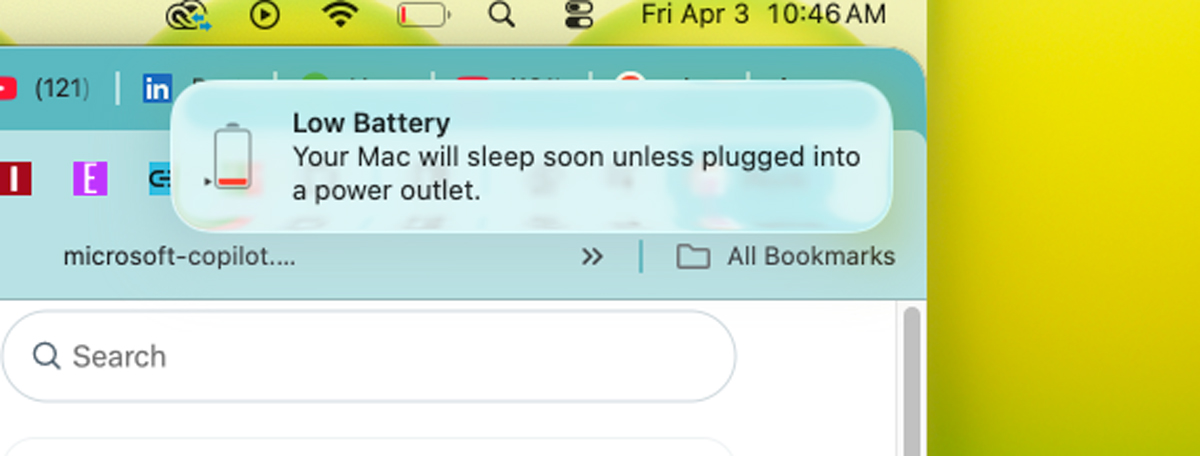
What laptop buyers should actually look for
So what should you actually look for when buying your next laptop?
Firstly, capacity is still worth checking, if only to get a sense of how big your laptop's battery is and roughly what you can expect as a baseline.
But there are lots of specs to check alongside raw watt-hours. Display type, resolution, refresh rate, chip generation, graphics hardware, and software support can all be just as important once you start using the laptop properly.
A good review is likely more useful than a manufacturer’s headline claim. Look for tests that reflect the way you actually work, which can often be in sub-optimal conditions. A laptop with slightly lower quoted battery life may still be the better choice if it performs well in ordinary day-to-day use.
Analysing your own habits can also be useful. If you are a heavy Chrome user that likes to keep 200 tabs open at once (because you never know when you might need that recipe from two years ago!), adjust accordingly.
Similarly, if you edit video, play games, or use demanding creative tools, you should expect shorter runtimes and pay closer attention to charging speed.
Battery life is more than one number and results from dozens of design and hardware choices working together, and the best laptop for you is the one that uses its battery well for the things you actually do.
Share
What's Your Reaction?
 Like
0
Like
0
 Dislike
0
Dislike
0
 Love
0
Love
0
 Funny
0
Funny
0
 Angry
0
Angry
0
 Sad
0
Sad
0
 Wow
0
Wow
0