I stopped using ChatGPT Voice like a smart speaker — and it became far more useful
5 practical ChatGPT Voice tips to get the most out of every conversation

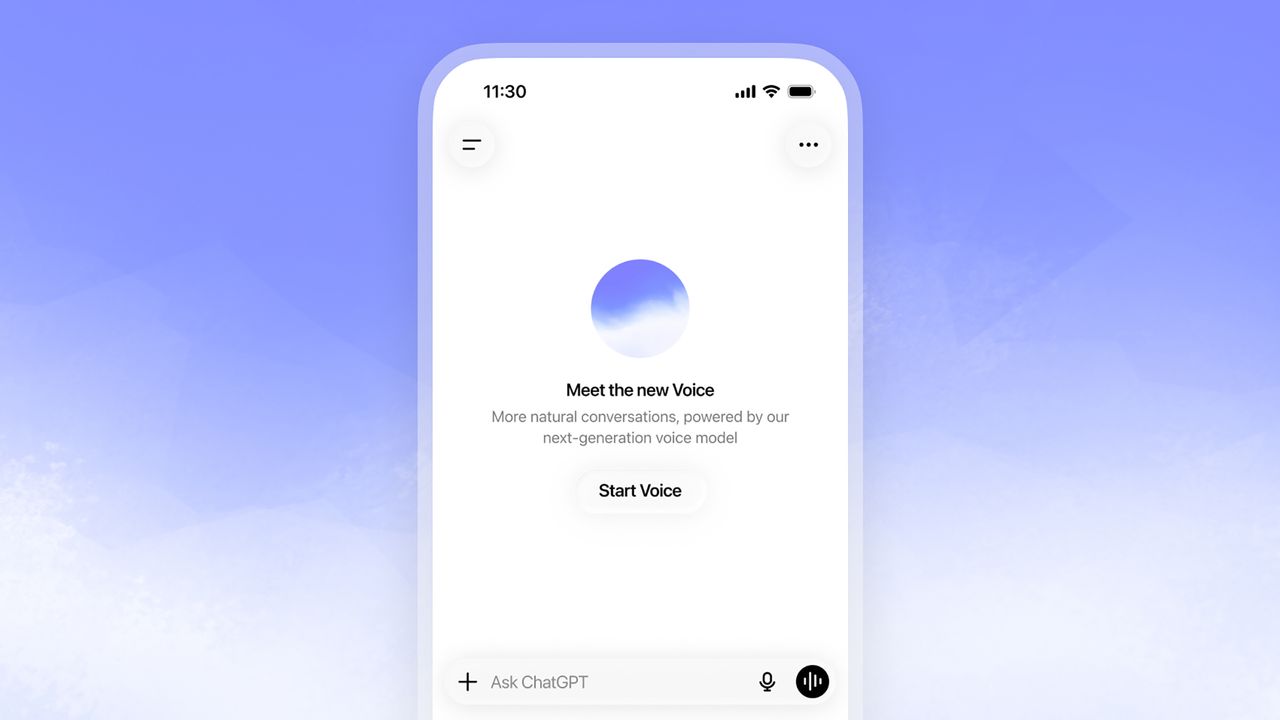
ChatGPT Voice changes using the AI chatbot into something more akin to the fictional digital aides familiar from books and movies. And it gets even better once you know how to steer it.
It's tempting to treat ChatGPT Voice like a smart speaker, but it's not really the same thing. You can do much more than asking one question, waiting for the answer, and then stopping. You can shape the conversation just as much as the information. Here are five easy ways to get more out of ChatGPT Voice, along with the prompts and habits that help the conversation feel smoother and smarter.
1. Tell it how to listen before you start talking
As useful as vocal conversations with ChatGPT are, one reason some people avoid it is because of how it sometimes seems to jump the gun in responding while you're forming your own thoughts. Setting expectations at the start of the conversation works well to counter that, however.
It's worth spending a few seconds describing how you want the conversation to work before getting into the meat of it. You might say that you are practicing for an interview and want to finish each answer before receiving feedback, or that you will say a code word like "full stop" when it's ChatGPT's turn.
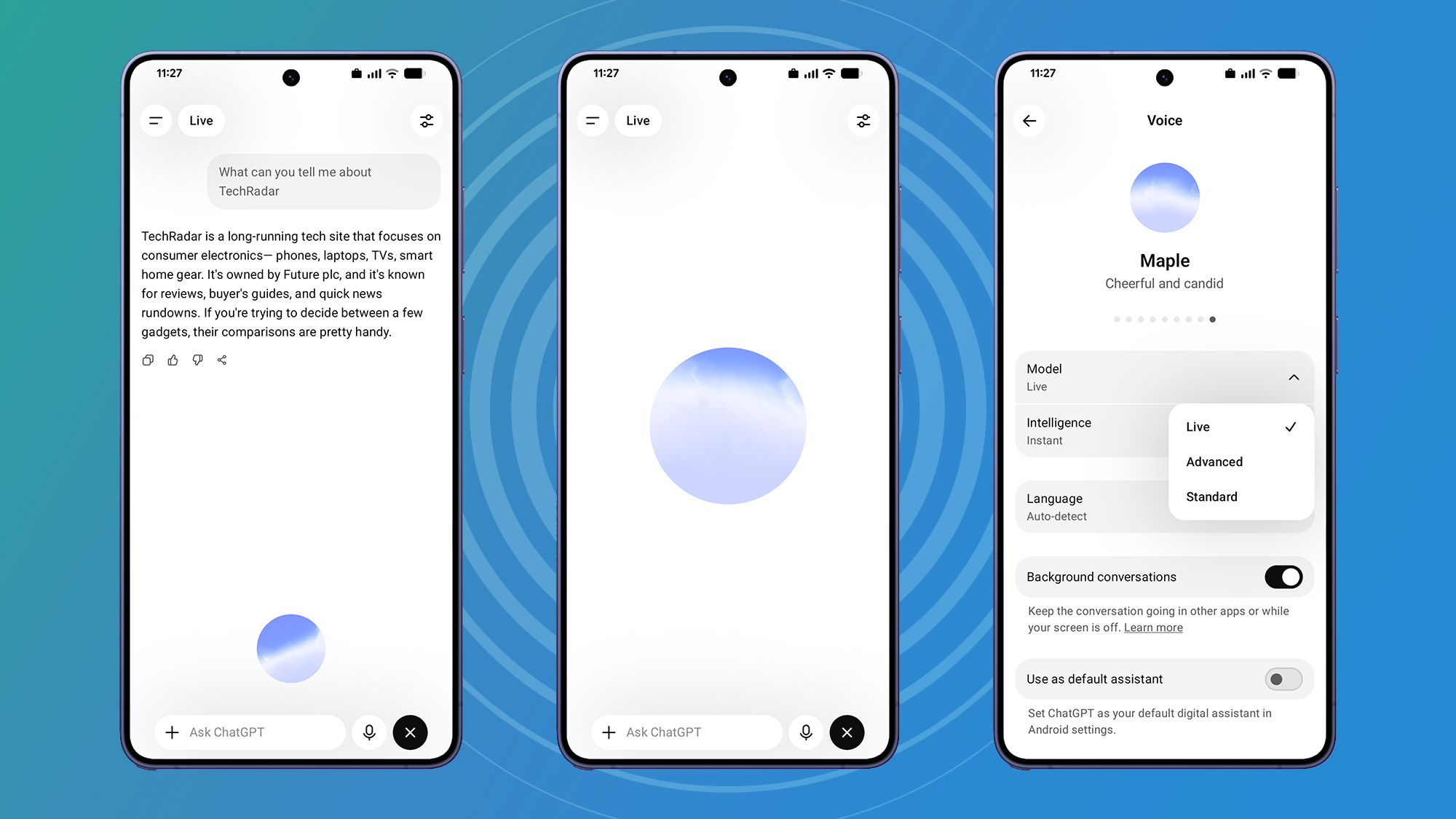
Even more subtle things are adjustable. You can ask it to slow down, speed up, use shorter sentences, or adopt a calmer speaking style. Voice settings also allow you to change voices and, depending on your account subscription level, adjust intelligence levels for different conversations.
Giving ChatGPT those ground rules helps it adapt its behavior instead of trying to guess when you have stopped speaking. Talking at your own pace makes the whole interaction feel much more relaxed and human.
2. Give it a role before you ask a question
Relatedly, it's helpful to set up a persona or point of view for ChatGPT to take on when using ChatGPT Voice. It sets up broad assumptions about what you're hoping to get out of the conversation without requiring any drawn-out discussion. For instance, if you want to discuss travel advice, ask ChatGPT to set itself as a local tour guide. Or give it a couple of sentences describing who you think (or fear) might be conducting an interview with you when you practice.
Even just asking it to become a patient French tutor who waits for you to finish each sentence before correcting your pronunciation could smooth the path toward fluency.
The role provides context before the actual question arrives. That means the answers naturally become more focused, and the follow-up questions tend to make more sense because ChatGPT has a clear perspective to work from.
3. Take your hands off the keyboard

One of the most impressive ChatGPT Voice capabilities is how you can run tasks on your computer by voice without constantly reaching for your mouse or keyboard thanks to the updated ChatGPT desktop app for Mac and Windows. The app offers not only the usual, conversation-centered Chat format, but the coding-focused Codex, and the newer ChatGPT Work setup, which is designed for more complex, multi-step projects that involve gathering and organizing information.
Crucially, Work can interact with files stored on your device, meaning ChatGPT Voice can actively help you get things done rather than just discuss them.
You do need a subscription to ChatGPT Plus, Pro, Business, or Enterprise to access the Work feature. Then, when you open the ChatGPT app, you can choose Work instead of Chat or Codex. Create a new task, press the Voice button or use your voice shortcut, and grant microphone access when prompted. Explain what you want to achieve and point it to the relevant folders for where to look and where the final result should be saved. ChatGPT will ask for permission to view files, capture your screen, or use accessibility tools, and get permission from you before any important actions are carried out.
The more precise your instructions, the better the results. Rather than asking ChatGPT to "help me plan my trip," try saying, "Open my Italy Trip folder. Read the hotel confirmations, train tickets and attraction bookings, then create a day-by-day itinerary in a new document. Highlight any scheduling conflicts and save the finished itinerary in the same folder." You can use the same technique for comparing insurance documents, summarizing a semester's worth of lecture notes, or turning a folder of recipes into a categorized cookbook complete with an ingredients index.
4. Ask it to think out loud with you
Voice works especially well when you stop treating it as a question-and-answer machine. It's much more useful as an engaged sounding board listening while you think through a decision. Talking through the options often reveals ideas that never appear in a typed prompt.
To get ChatGPT Voice on that track, you can request that it compare possibilities instead of recommending one immediately when brainstorming. Tell it to discuss the strengths of each option before reaching a conclusion. The AI will point out pros and cons in as much detail as you want, and endlessly refine the options for as long as you want.
And speaking naturally means it is also much easier to interrupt with new information or change direction halfway through the discussion. Voice conversations are particularly good at handling those small detours that happen in real life.
5. Ask for a recap

Voice conversations can wander in unexpected directions, particularly when you are brainstorming or planning something complicated. Before ending the conversation, it's useful to review what was discussed, especially for longer chats. You can ask ChatGPT to summarize the discussion and highlight the most important conclusions from your talk to both remind yourself and cement matters with the AI.
If you're planning a trip or preparing for a presentation, for instance, a short spoken recap reinforces the key points, and if something sounds wrong, you can correct it immediately instead of discovering the mistake later.
Voice is already one of ChatGPT's more enticing features for when the speed and mobility of talking aloud is a higher priority than being able to see the responses written down. With a little forethought, ChatGPT Voice becomes a genuinely helpful conversational partner for a lot longer than it takes to dial a phone.
Share
What's Your Reaction?
 Like
0
Like
0
 Dislike
0
Dislike
0
 Love
0
Love
0
 Funny
0
Funny
0
 Angry
0
Angry
0
 Sad
0
Sad
0
 Wow
0
Wow
0