I reviewed Sony's new mid-range Dolby Atmos soundar, and while I love some features, overall its one step forward and two steps back
Sony’s midrange Dolby Atmos soundbar delivers clarity, power, and simplicity, but I found myself wishing for more.

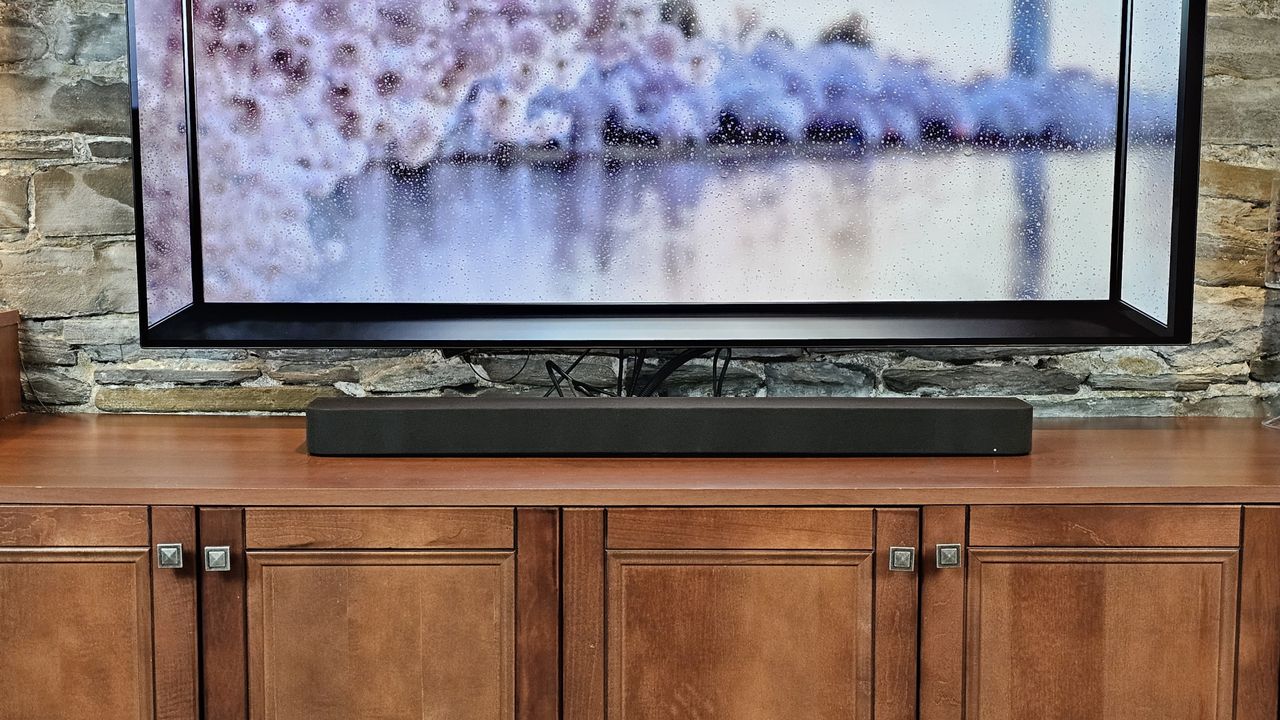
Sony Bravia Theater Bar 7 review
I’m not going to sugar-coat this. I’ve been a big fan of Sony’s soundbars, but its latest generation can feel like a step backward, and that includes the Sony Bravia Theater Bar 7.
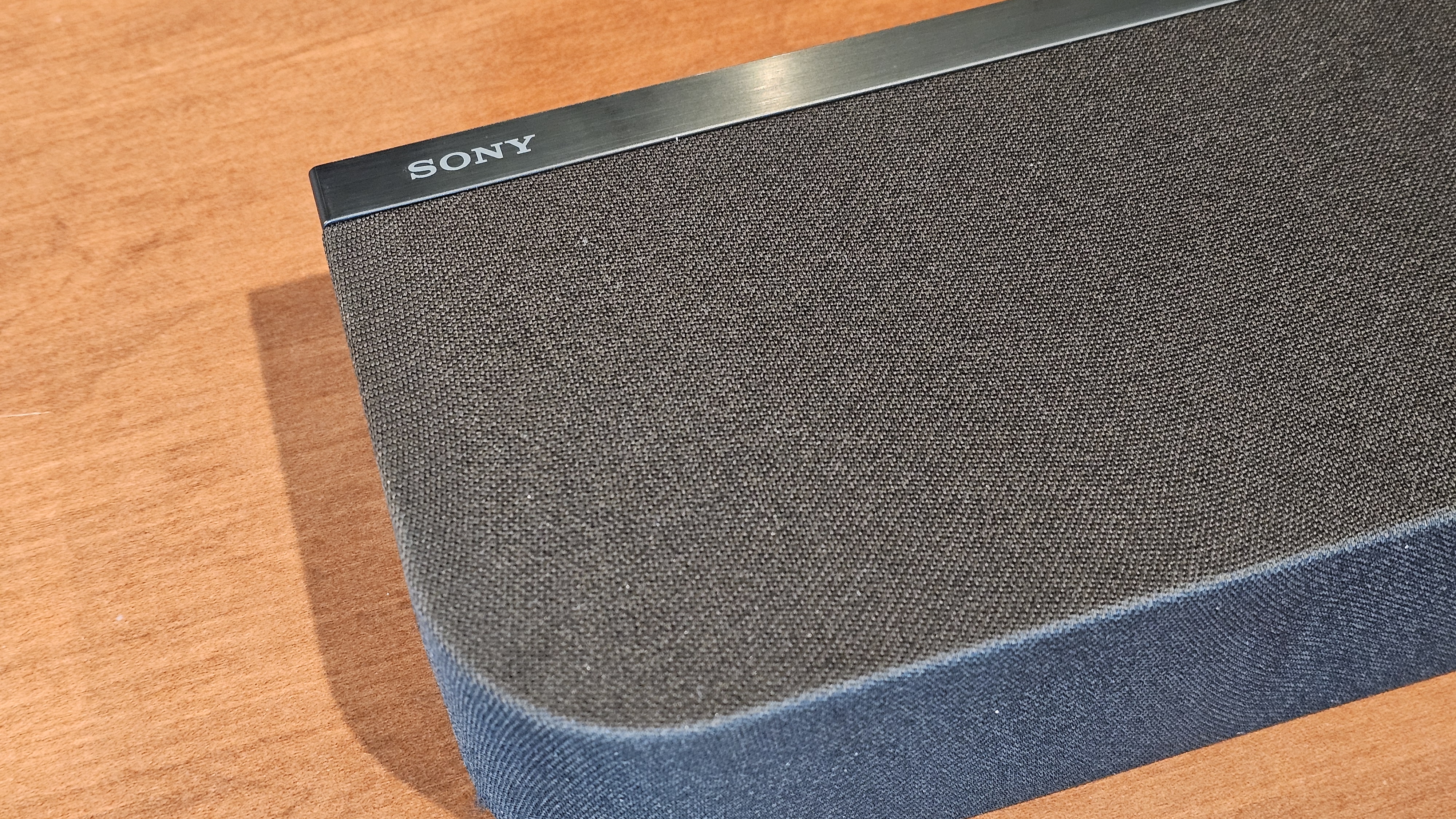
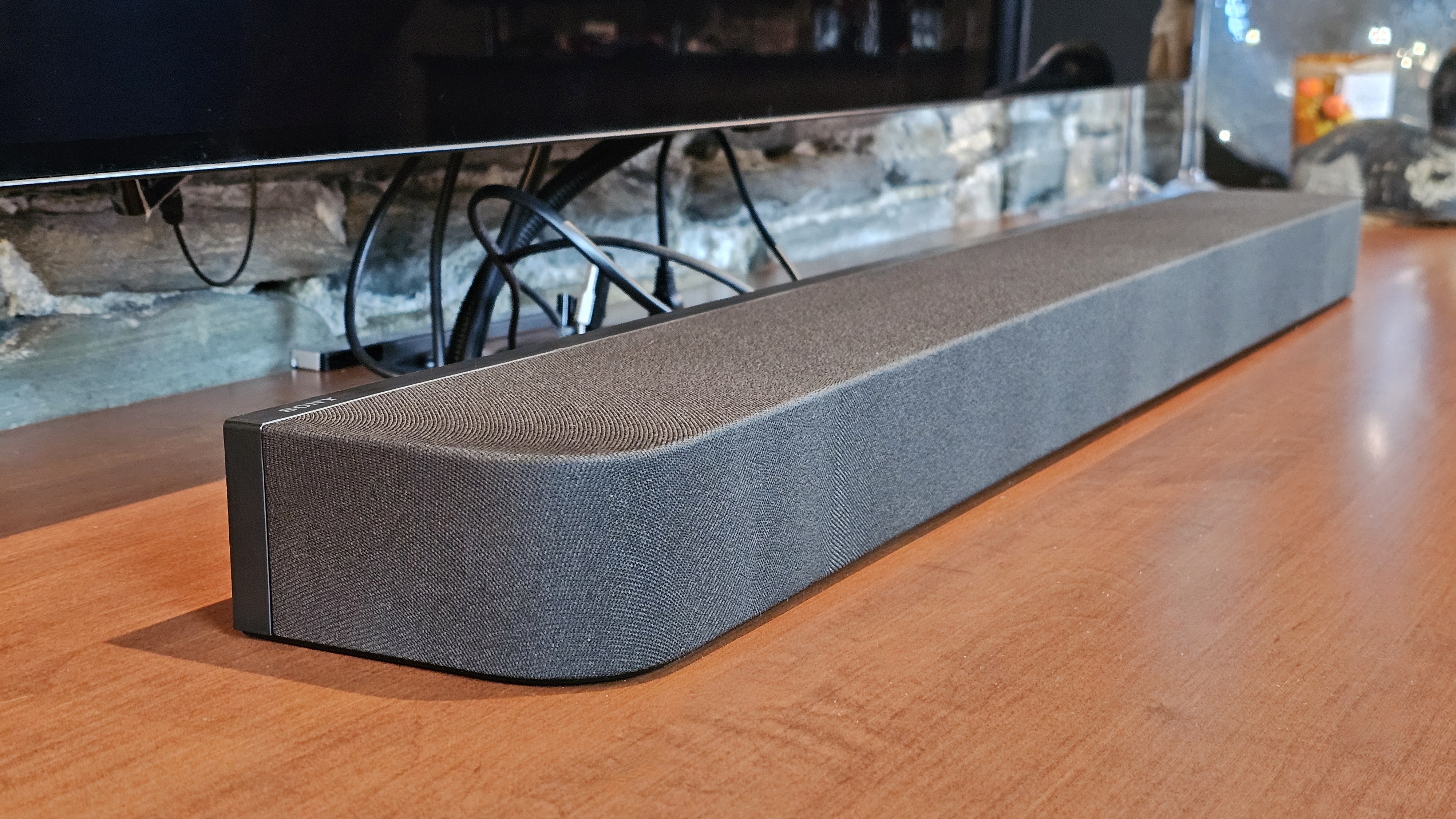
I genuinely like some of the choices Sony has made: these new speakers are simple and elegant, becoming one with your room. They’ve also got a much smaller footprint, making placement (both in front of a TV and on a wall) much easier.
The included remote has fewer buttons, giving it a friendlier feel than the previous models. And Sony’s 360 Spatial Sound Mapping might be the easiest room correction feature ever baked into a soundbar.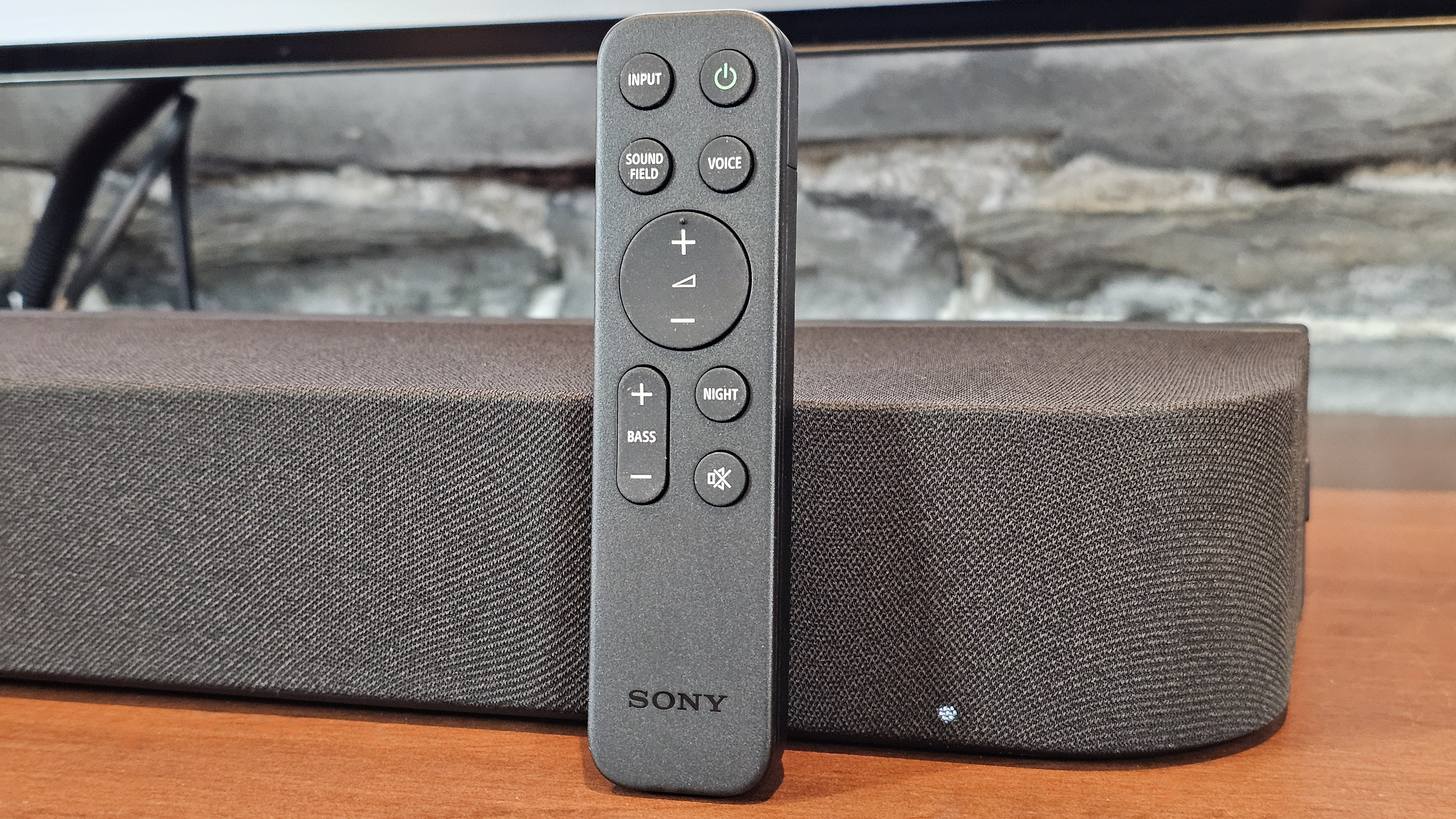
You get an HDMI input for passthrough as well as the HDMI eARC connection to the TV, which is a soundbar feature that’s becoming harder to find; it comes with every cable you need, plus a wallmount kit; and you no longer need to spend $1,000 to get up-firing drivers (an essential ingredient for convincing Dolby Atmos sound). They’re included in the $869 / £699 / AU$1,199 Bravia Theater Bar 7.
And yet despite these benefits, the Bravia Theater Bar 7 (AKA model HT-A7100) nixes some of my favorite features from the previous generation.
There’s no built-in subwoofer, no on-screen setup menus, no alphanumeric front display, no hi-res Bluetooth codecs, no ability to connect wireless headphones, no Chromecast support, no Google Assistant/Amazon Alexa compatibility, and no playback via USB storage or UPnP (for streaming music from a networked server).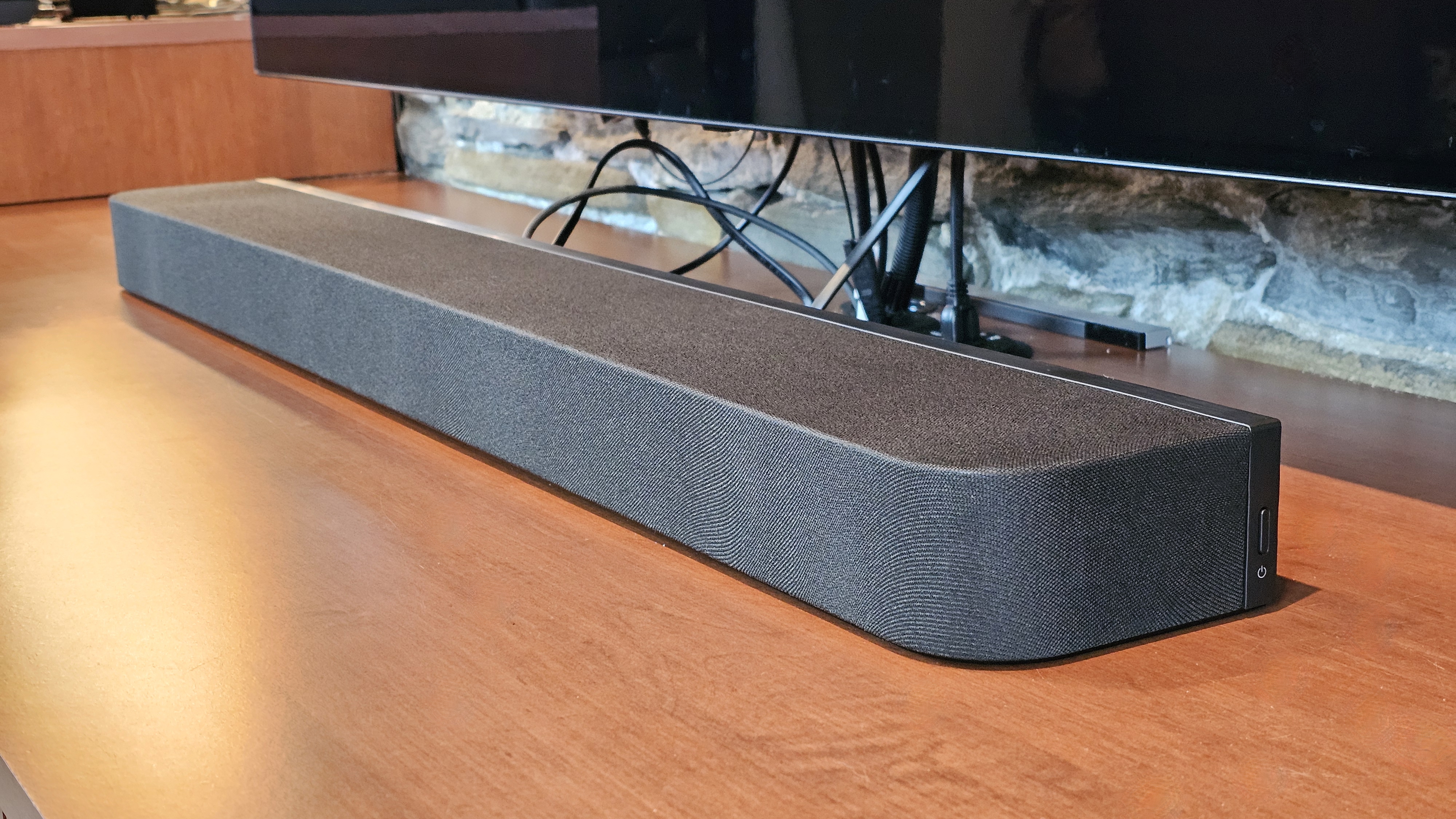
Of these omissions, the one I noticed most is the lack of a built-in subwoofer. While it’s true that too much low-frequency sound can be, at times, unwanted — for instance, if you’re a condo-dweller with thin walls between units — I believe that’s a good problem to have. You can always dial the bass down if the neighbors complain. But not having enough bass to start with? That’s tough to accept, especially at this price.
It’s not that the Bar 7 has no low-end; it does. It’s just that it doesn’t get low or loud enough to provide what I think of as a truly cinematic experience, even with the available bass adjustment set to ‘max’.
The obvious and easy way to overcome this limitation is to buy the Bar 7 with Sony’s Bravia Theater Sub 7 wireless subwoofer, a combo that only costs $230 / £100 more. If you buy the Theater Sub 7 after the fact, it will cost you $329 / £249 / AU$299. Sony sent me a Sub 7 to test, and it does the trick, restoring the weight and punch that the Bar 7 lacks.
Still, if bass isn’t your thing, the Theater Bar 7 delivers crystal-clear mids and highs, and can do so at volume levels that are shockingly loud. Dialogue is crisp and well separated from the rest of the soundtrack. Sony deserves top marks for this — poor dialogue clarity has become something of an epidemic in the last decade, and the Theater Bar 7 really helps.
With dedicated up-firing drivers for height channels and side-firing units designed to bounce rear channel sound to your listening position, the Theater Bar 7 should deliver a compelling, immersive experience, especially when playing Dolby Atmos or DTS:X content.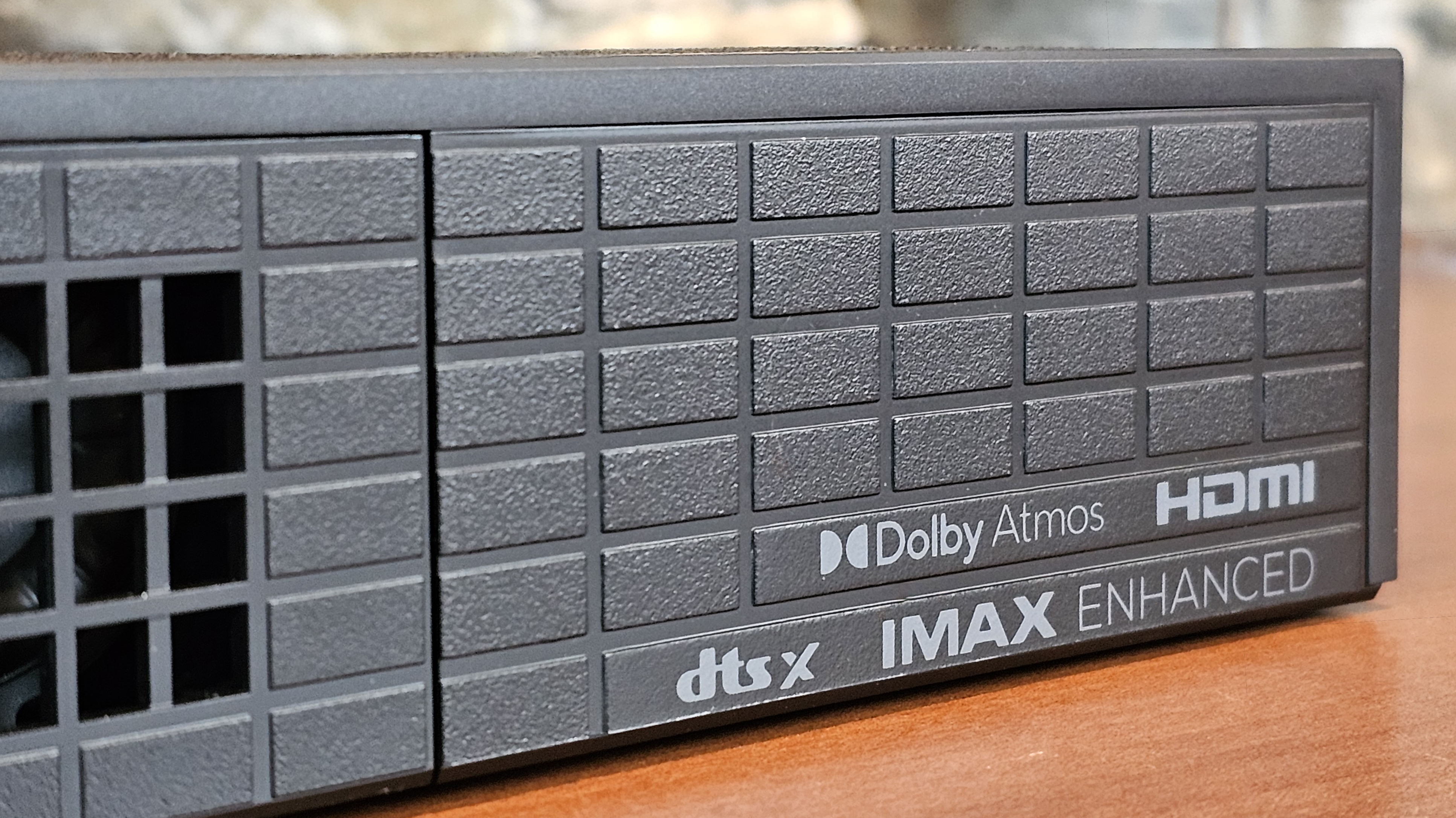
I don’t want to be too harsh in my analysis; the Theater Bar 7 definitely creates a soundstage that is taller, wider, and deeper than non-Dolby Atmos speakers, but given its price, I expected more.
I use a number of different test clips when evaluating spatial immersion, such as the Aston Martin chase scene from No Time To Die, the opening of Mad Max: Fury Road, and the first sandworm reveal from Dune.
The Theater Bar 7’s strengths (its clarity and power) created a strong sense of energy and immediacy — both vital elements for enjoying cinematic sound — but these couldn’t overcome the soundbar’s struggles to place key effects like bullet impacts or whispery voices accurately in my space.
Normally, when a soundbar underperforms my expectations, I reach for the settings menus, where you can usually tweak everything from bass and treble to the levels of individual channels.
Unfortunately, Sony doesn’t provide any way to tweak the Bar 7’s tuning. There’s no equalizer, no set of bass/treble adjustments, and no EQ presets. If you find the sound signature too emphatic when it comes to the high frequencies (as I definitely do), there’s not much you can do about it.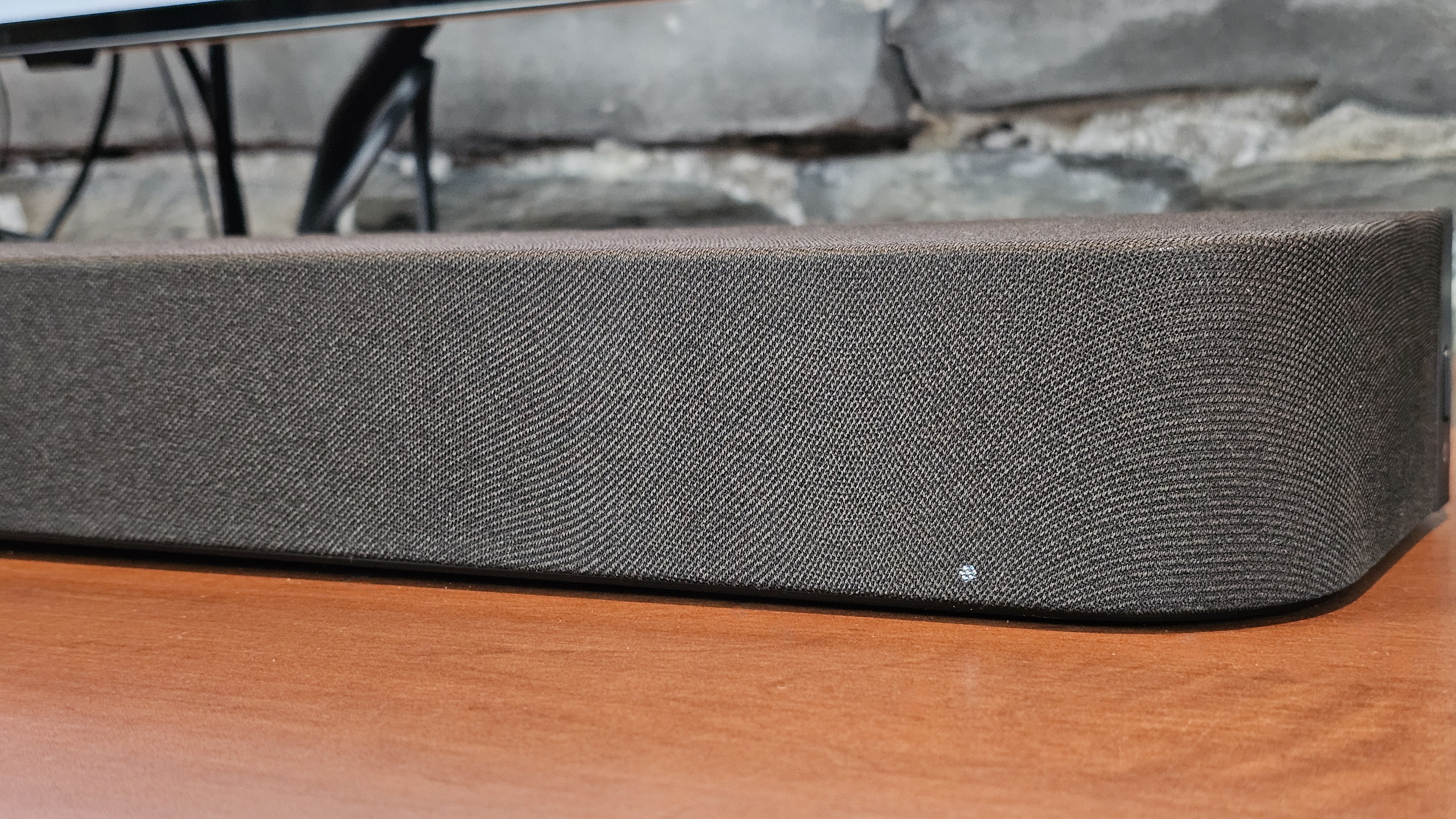
All of this adds up to a soundbar that finds itself in the anti-Goldilocks zone. The less expensive Sony Bravia Theater Bar 6 may not be expandable, but out of the box it can deliver more cinematic punch thanks to the included wireless sub.
By the same token, if you spend just a little more than the price of the Theater Bar 7, you can get the Bravia Theater Bar 8. With its built-in sub, you get all of the sleek, single-speaker appeal of the Bar 7, with genuinely good low-end bass (and lots of expansion options).
Sony Bravia Theater Bar 7 review: Price & release date
- Released April 2026 (US), May 2026 (UK), July 2026 (Australia)
- $869.99 / £699 / AU$1,199
As the name suggests, Sony has priced the Bravia Theater Bar 7 to sit between the existing Theater Bar 6 ($699.99) and the Theater Bar 8 ($999.99).
While the Theater Bar 6 comes with its own subwoofer, it can’t be expanded later with optional surround speakers. If you want that, you’ll have to buy the more expensive Bravia Theater System 6, which comes with a sub and surrounds.
Both the Bravia Theater Bar 7 and Theater Bar 8 can be expanded with subs and/or surrounds, however the Theater Bar 8 has a built-in sub, which may provide enough low-end for some people (especially for those in apartments or other small spaces). 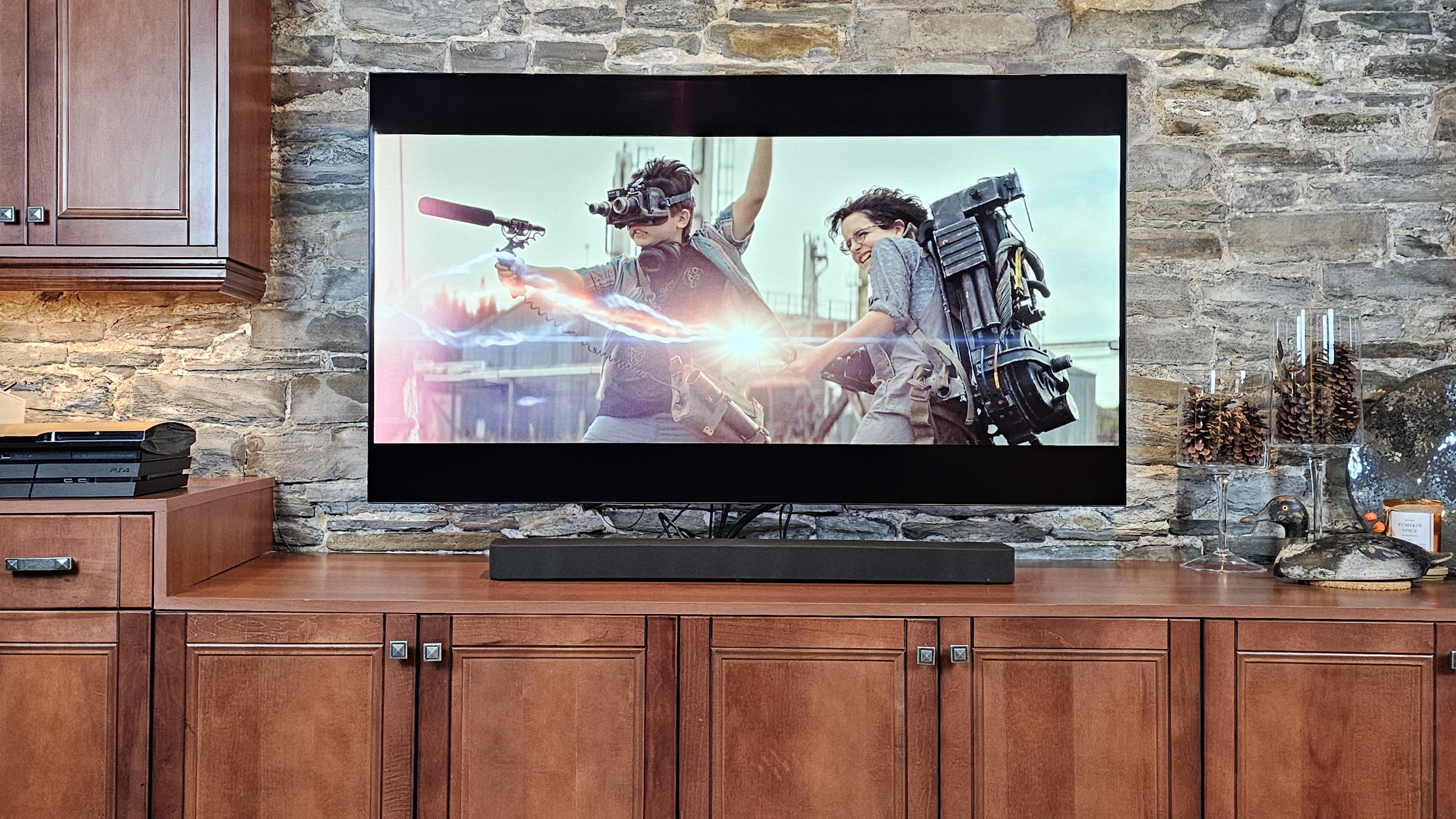
Sony Bravia Theater Bar 7 review: Specs
Dimensions | 37.5 x 2.6 x 5 inches |
Speaker channels | 5.0.2 |
Connections | 1x HDMI eARC, 1x HDMI input, Wi-Fi, Bluetooth |
Dolby Atmos / DTS:X | Yes / Yes |
Sub included | No |
Rear speakers included | No |
Should I buy Sony Bravia Theater Bar 7?
Attribute | Notes | Score |
|---|---|---|
Features | Excellent spatial audio format support plus HDMI passthrough. But a severe lack of settings and some hi-res options holds it back. | 3.5 / 5 |
Performance | Top marks for dialogue, but bass isn't cinematic and spatial immersion is lacking. | 3 / 5 |
Design | Low-profile, with clean lines, it blends into the base of any TV. | 4 / 5 |
Setup and usability | Easy, app-based setup, but no on-screen menus, no front display, and no controls on the speaker itself. | 3.5 / 5 |
Value | It needs Sony’s subs and surrounds to reach its potential, making it average value on its own. | 3 / 5 |
Buy it if...
You have thin walls
The Bravia Theater Bar 7’s lack of deep low-end means noise complaints from neighbors should be less of an issue, even if you’re listening at relatively loud levels.
Dialogue clarity is a top consideration
The Theater Bar 7’s center channel is crystal clear. If you still can’t understand what people are saying with this speaker, your speaker may not be the problem.
You want expansion options
With its HDMI input and the ability to add a variety of Sony’s wireless subs and surround speakers, you can easily extend the Theater Bar 7’s capabilities as your needs, budget, and space allow.
Don't buy it if...
You want versatile hi-res streaming music options
With no support for Google Cast, DLNA, or Tidal Connect, there aren’t many ways to get the Theater Bar 7 to deliver top-notch music performance without the use of third-party devices like an Apple TV 4K or Nvidia Shield TV.
You want full cinematic immersion from a single speaker
It’s possible to get fabulous Dolby Atmos from just a soundbar, but with its poor bass performance and underwhelming spatial rendering, the Theater Bar 7 isn’t the way to go.
You like to take control of your sound
Sony has always taken a less-is-more approach to its soundbar settings, but the Theater Bar 7 has almost no adjustments to let you tailor the sound to your liking.
Sony Bravia Theater Bar 7 review: Also consider
Sony Bravia Theater Bar 8
It’s a little more expensive, and it adds exactly zero features on the Theater Bar 7’s list of capabilities, except in one area: bass. But since low-end is so critical to delivering cinematic immersion, that one area matters a lot. Alternatively, you can buy the Theater Bar 7 with a wireless sub, but you lose the appeal of a single-speaker system.
Read our full Sony Bravia Theater Bar 8 review
Klipsch Flexus Core 200
In the opposite direction, price-wise, is the Klipsch Flexus Core 200. It doesn’t have Wi-Fi (so no AirPlay or Spotify Connect), but I can’t say enough about how fabulous it sounds. Its power and immersion is truly impressive for a single unit, and the low end that I find so absent on the Theater Bar 7 is served up in heaping piles here. If you ever want more, it’s expandable via Klipsch’s optional wireless subwoofers and surrounds, or you can plug in your own wired subwoofer — a great option for anyone who has one of these units kicking around.
Read our full Klipsch Flexus Core 200 review
How I tested Sony Bravia Theater Bar 7
- Used the Sony Bravia Theater Bar 7 as my main audio system for one week
- Tested in my basement media room
- Sources: Apple TV 4K, Nvidia Shield 2019, and streamed music from various apps
After setting up the Sony Bravia Theater Bar 7, I used it as my main audio system for watching movies, TV shows, and music in my basement media room. Over the course of a week, I played a variety of Dolby Atmos test clips from movies such as No Time To Die, Ford v Ferrari, Mad Max: Fury Road, Dune, and Unbroken. I took careful note of details like dialogue clarity, surround sound, and height channel immersion.
I streamed most content from an Apple TV 4K connected via an LG OLED TV, which fed the Theater Bar 7 from its ARC output. However, I also connected an Nvidia Shield TV to the soundbar’s HDMI input to test Dolby Atmos in Dolby TrueHD, and see what, if any video passthrough issues came up.
I evaluated the effect of Sony’s limited sound modes as well as its 360 Spatial Sound Mapping room correction feature.
For music, I used a variety of apps, including Apple Music, Tidal, Qobuz, and Amazon Music, listening to a wide range of genres and formats, like Dolby Atmos Music. Some were played from apps on the Apple TV 4K and Nvidia Shield, while others were streamed wirelessly using AirPlay and Bluetooth.
- Read TechRadar’s reviews guarantee
- First reviewed: July 2026
Share
What's Your Reaction?
 Like
0
Like
0
 Dislike
0
Dislike
0
 Love
0
Love
0
 Funny
0
Funny
0
 Angry
0
Angry
0
 Sad
0
Sad
0
 Wow
0
Wow
0