
How to save $150 or more on your next PC build at Newegg right now
Newegg’s Combo Builder quietly stacks discounts across CPUs, motherboards, RAM, GPUs, and more — here’s how to use it to your advantage

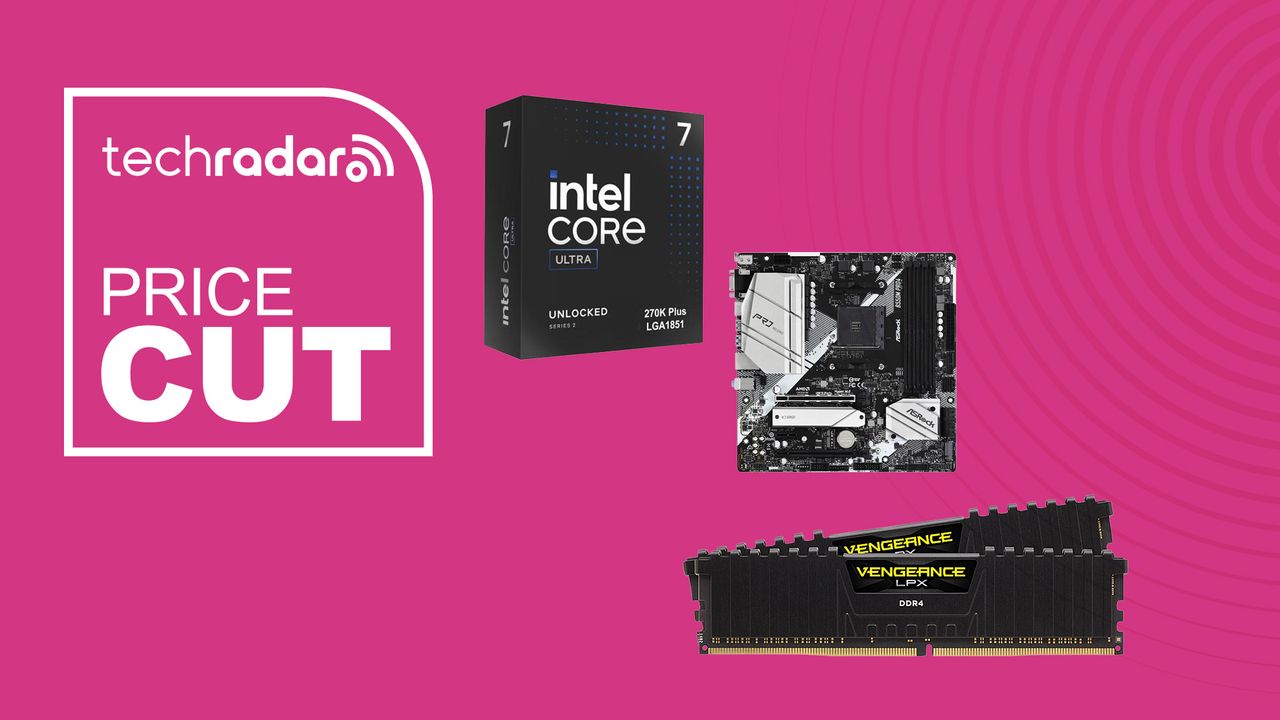
If you’re planning a PC build — or even just upgrading a few components — there’s a tool on Newegg that most buyers walk right past.
The Newegg Combo Builder lets you bundle two or more components from different categories and automatically stacks discounts across your cart. Right now, the savings on offer are genuinely significant: the featured AMD combo saves buyers over $155, and the Intel combo saves over $70. Pick your own components, and the discounts can climb higher still.
This isn’t a clearance sale or a flash deal with a countdown timer. It’s a permanent feature of Newegg’s site that rewards buyers who are picking up multiple components at once — exactly the situation anyone building or upgrading a PC finds themselves in. The specific savings amounts and featured combos rotate, but the mechanism stays the same: the more categories you shop across, the more you save.
How the Combo Builder works
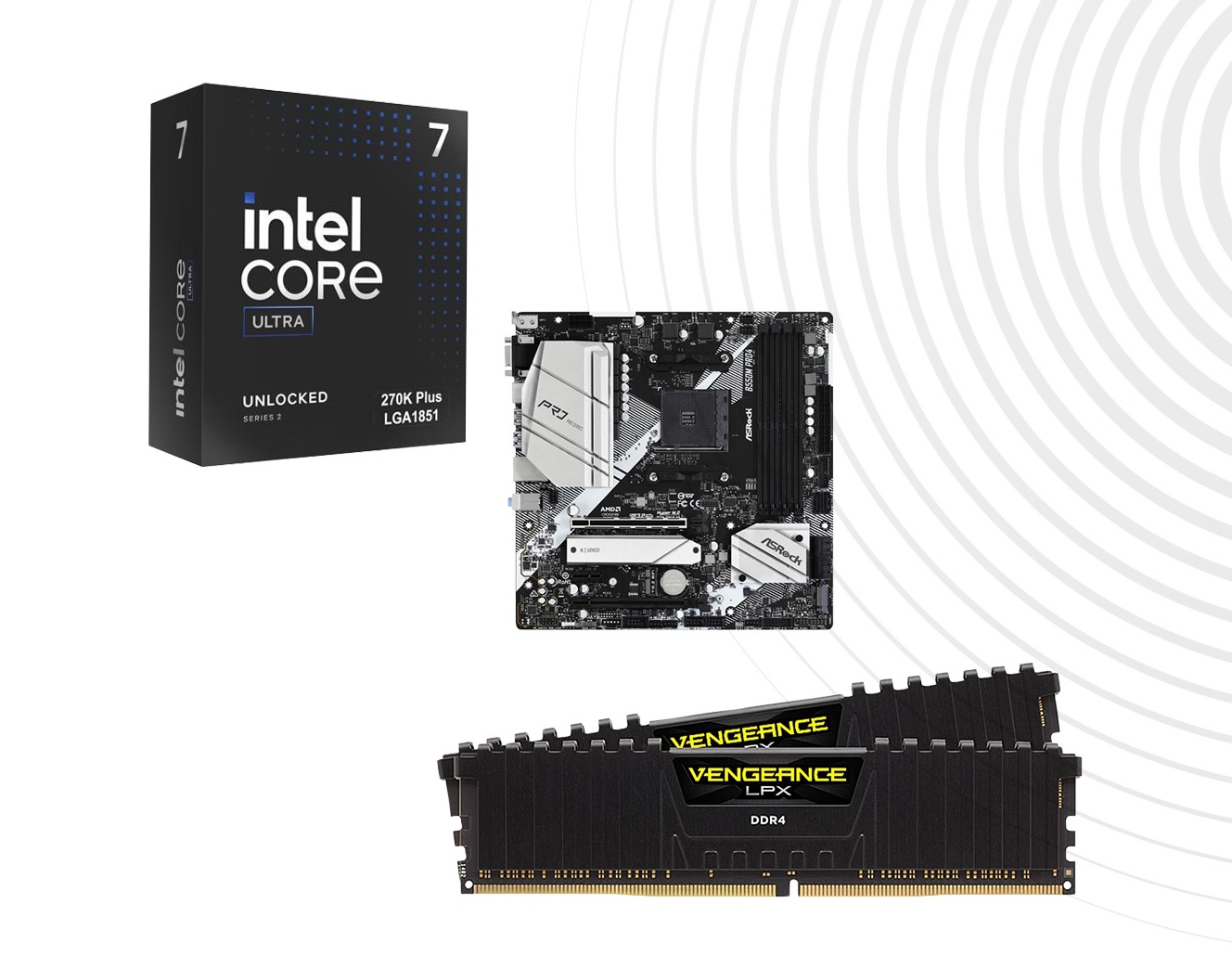
Pick components from two or more categories — CPU, motherboard, GPU, RAM, SSD, case, PSU, CPU cooler, case fans, and monitor — and Newegg automatically applies combo discounts across your order. Each category has its own savings ceiling: up to $50 off a processor, $65 off a motherboard, $125 off memory, $40 off a GPU, and so on. The discounts stack, so a full build can save considerably more than any single-item deal. Pre-built combos are also suggested at the top of the page if you want a quick starting point.View Deal
The savings structure is worth understanding before you start. Each component category has a maximum discount it can contribute to your combo — memory has the highest ceiling at up to $125 off, followed by motherboards at up to $65 off and processors at up to $50 off. You don’t have to hit the ceiling in every category, but the more components you add to your combo, the higher your total savings climb.
The two pre-built combos currently featured give a good sense of what’s on offer. The AMD combo — pairing AMD’s current flagship gaming processor with a premium X870E motherboard and 32GB of DDR5-6000 RAM — saves over $155 off the individual prices of all three components. The Intel combo pairs a 14th-gen Core i9 with a B760 micro-ATX board and 16GB of DDR4, saving over $70. Both represent solid starting points for buyers who haven’t yet settled on a platform.
The real value of the Combo Builder, though, is when you use it to build your own configuration. If you already know you’re getting a Ryzen 9 9950X, a high-end DDR5 kit, and a new SSD, adding all three through the Combo Builder rather than buying them separately could easily save $100–$200, depending on the current deals. Newegg updates the available products and discount tiers regularly, so it’s worth checking back even if you’ve visited the page before.
Who should use the Combo Builder?
First-time builders: The pre-built combo suggestions at the top of the page are a helpful shortcut — they’ve already been paired for platform compatibility, so you know the CPU, motherboard, and RAM will work together. You can use them as-is or adjust individual components once you’ve got a starting point.
Upgraders replacing multiple parts: If you’re swapping a CPU and motherboard together (a common upgrade scenario when moving to a new platform), the Combo Builder is exactly the right tool. Two components from two categories is all it takes to unlock discounts on both.
Buyers who’ve already researched their parts: Even if you know exactly what you want, run your wishlist through the Combo Builder before checking out. If your chosen CPU, motherboard, and RAM are all on Newegg, adding them through the Combo Builder costs nothing extra and could save you a meaningful amount.
Anyone adding a monitor to a build: Monitors are one of the ten eligible categories, so if you’re buying a new screen alongside components, adding it to the combo can shave an additional $30 off the monitor price with no extra effort.
The Combo Builder won’t replace a dedicated component deal, and it’s worth comparing prices against Amazon and B&H before committing. But for buyers who are already planning to buy multiple parts from Newegg — which describes most self-builders — it’s one of the easiest ways to save a significant amount of money without hunting for individual coupon codes or waiting for sales.
Check the current combos and build your own at the Newegg Combo Builder. For more PC build guidance, check out our guide to the best CPUs and the best motherboards.
Share
What's Your Reaction?
 Like
0
Like
0
 Dislike
0
Dislike
0
 Love
0
Love
0
 Funny
0
Funny
0
 Angry
0
Angry
0
 Sad
0
Sad
0
 Wow
0
Wow
0