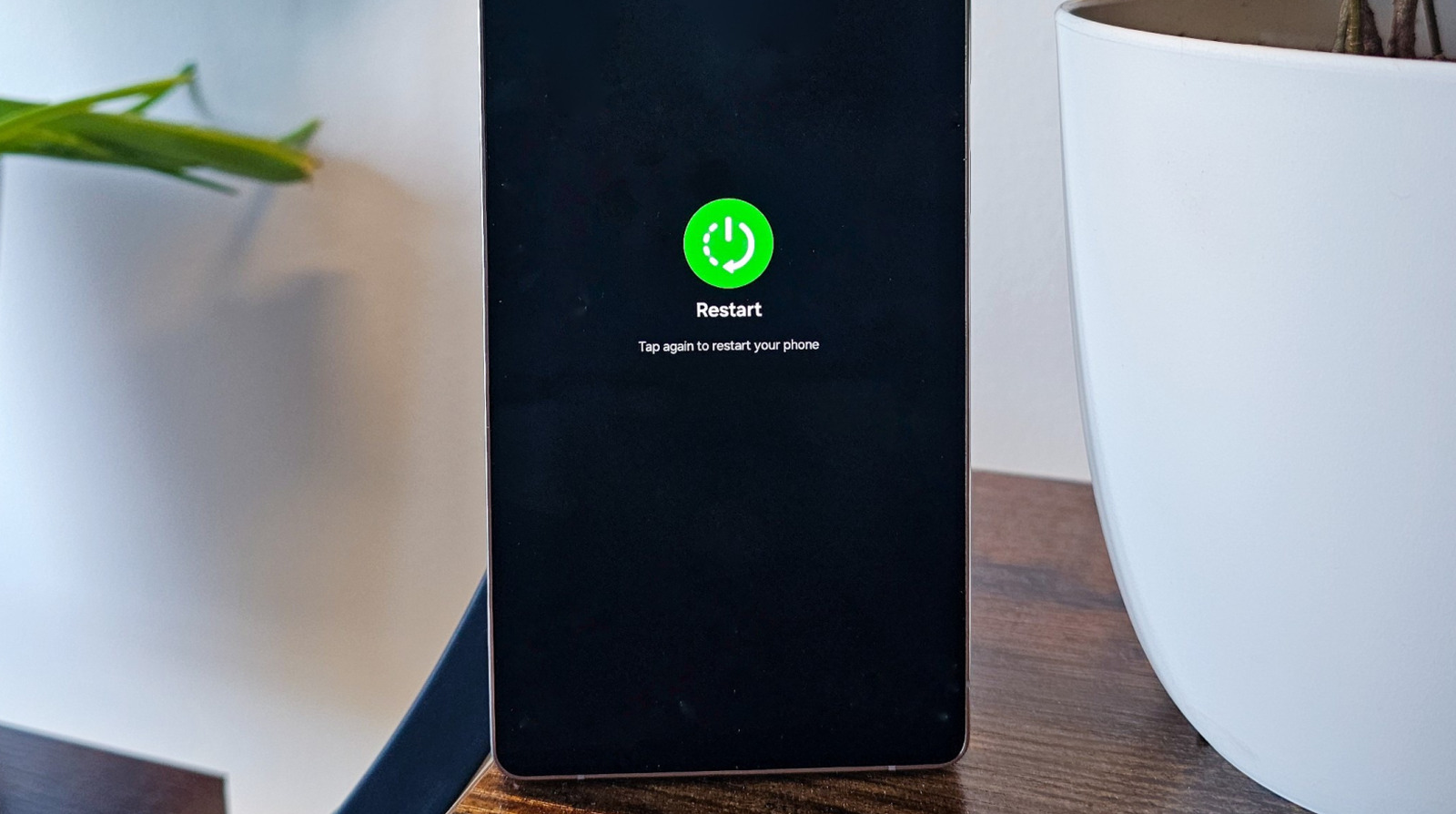
Google will let Mac users talk to Gemini simply by pressing the 'fn' key
Users only have to long-press the 'fn' key on the bottom left corner of their keyboard to talk to Gemini on Mac.

Users only have to long-press the 'fn' key on the bottom left corner of their keyboard to talk to Gemini on Mac.
Share
What's Your Reaction?
 Like
0
Like
0
 Dislike
0
Dislike
0
 Love
0
Love
0
 Funny
0
Funny
0
 Angry
0
Angry
0
 Sad
0
Sad
0
 Wow
0
Wow
0