Dell 27 Plus QHD USB-C S2725DC review: A perfect budget business monitor for every kind of office
A simple business monitor that's simply perfect in most professional contexts.

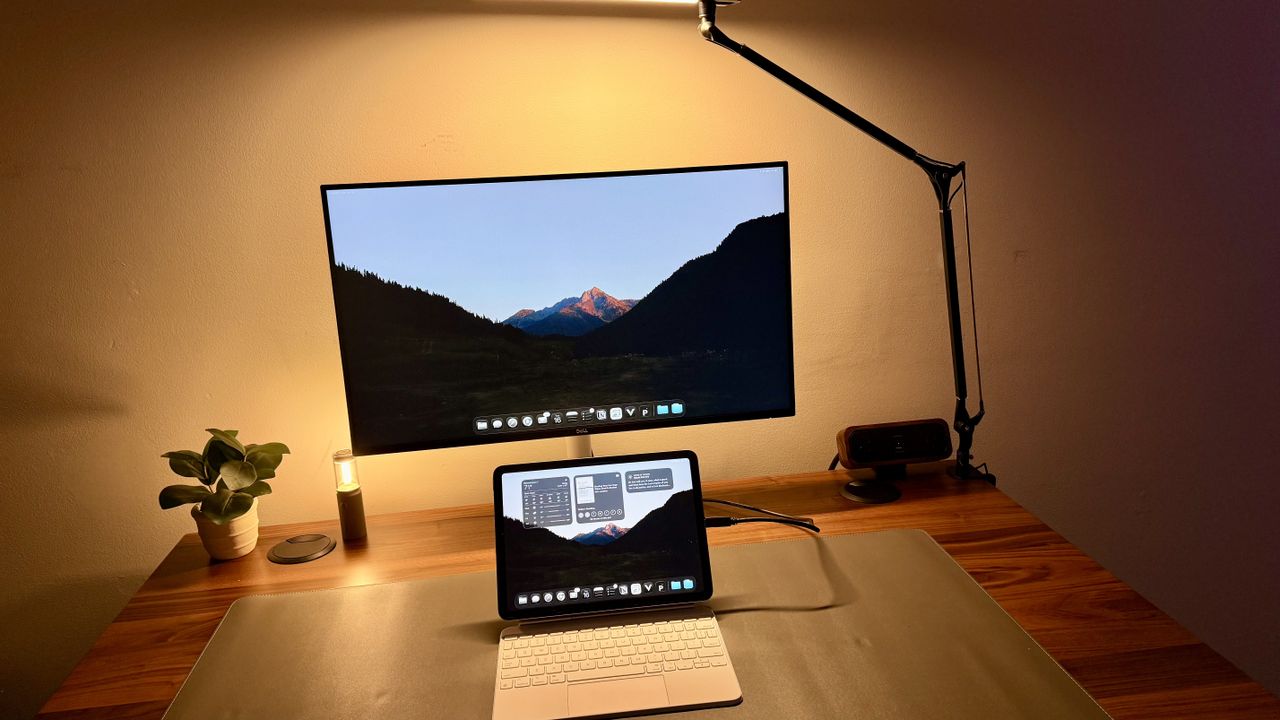
There are a lot of monitors out there these days, and every one of them is touting how great it is in one way or another. Whether that is visual clarity or resolution, aspect ratio, custom zoning, colors, anything like that.
However, what isn't said is that even though there are iPads that you can buy with tandem OLED displays, most people in a business context or professional context just don't need that and probably don't even understand what they're looking at, even if they had all of the monitors at their disposal. I'm saying this from experience as well. It's not just me saying that as a tech reviewer isolated in a box, but as somebody who procures monitors for a growing business.
I've had several people who, when trying to figure out what they want for a monitor, simply just say they want a 27-inch screen because that's what they're used to and that's all they need and want. I've set up several workstations with much nicer setups, only to see the settings toned down to the point where they are using it as is: a 27-inch HD monitor rather than a fantastic 4K display with color accuracy.
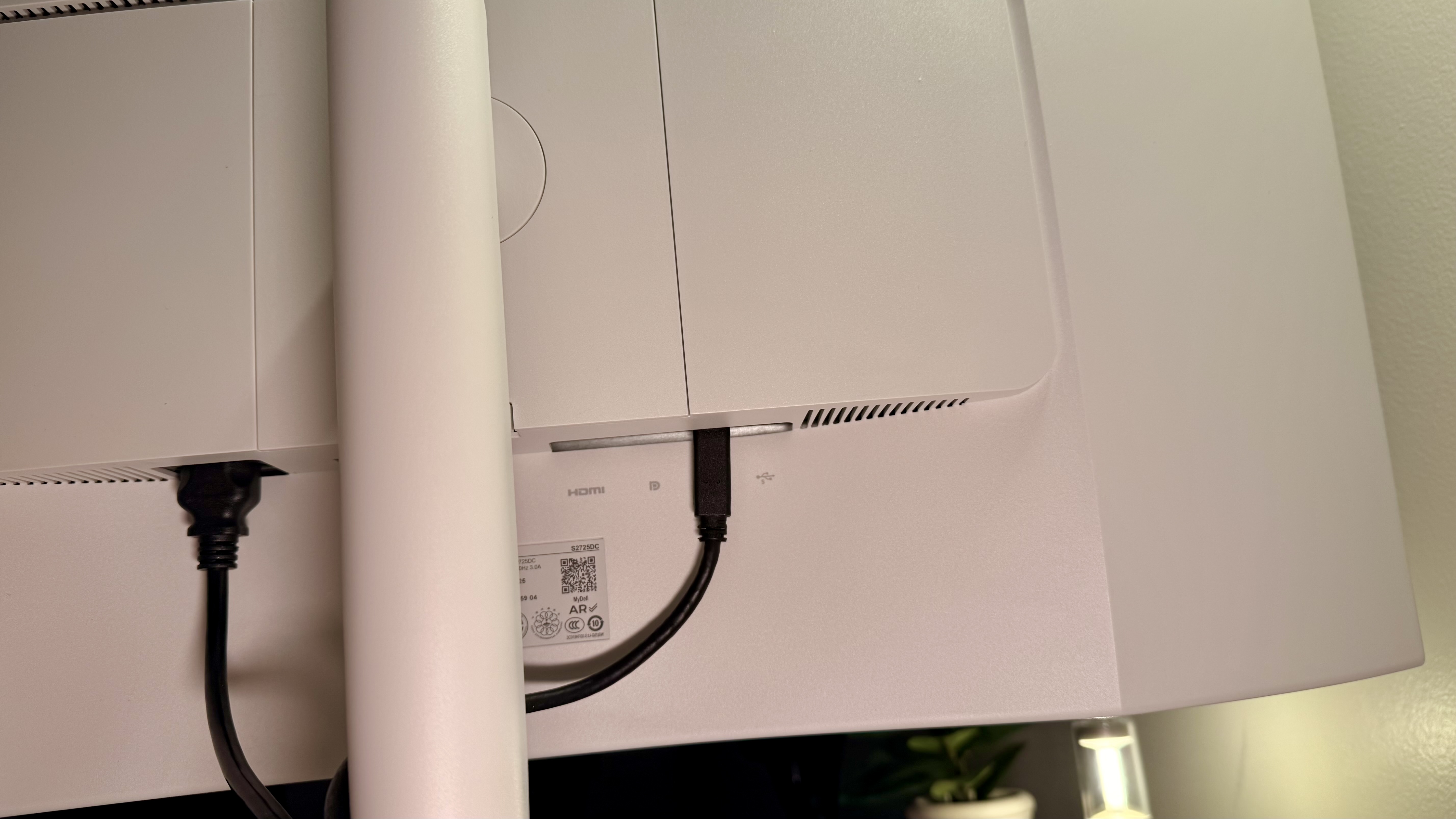
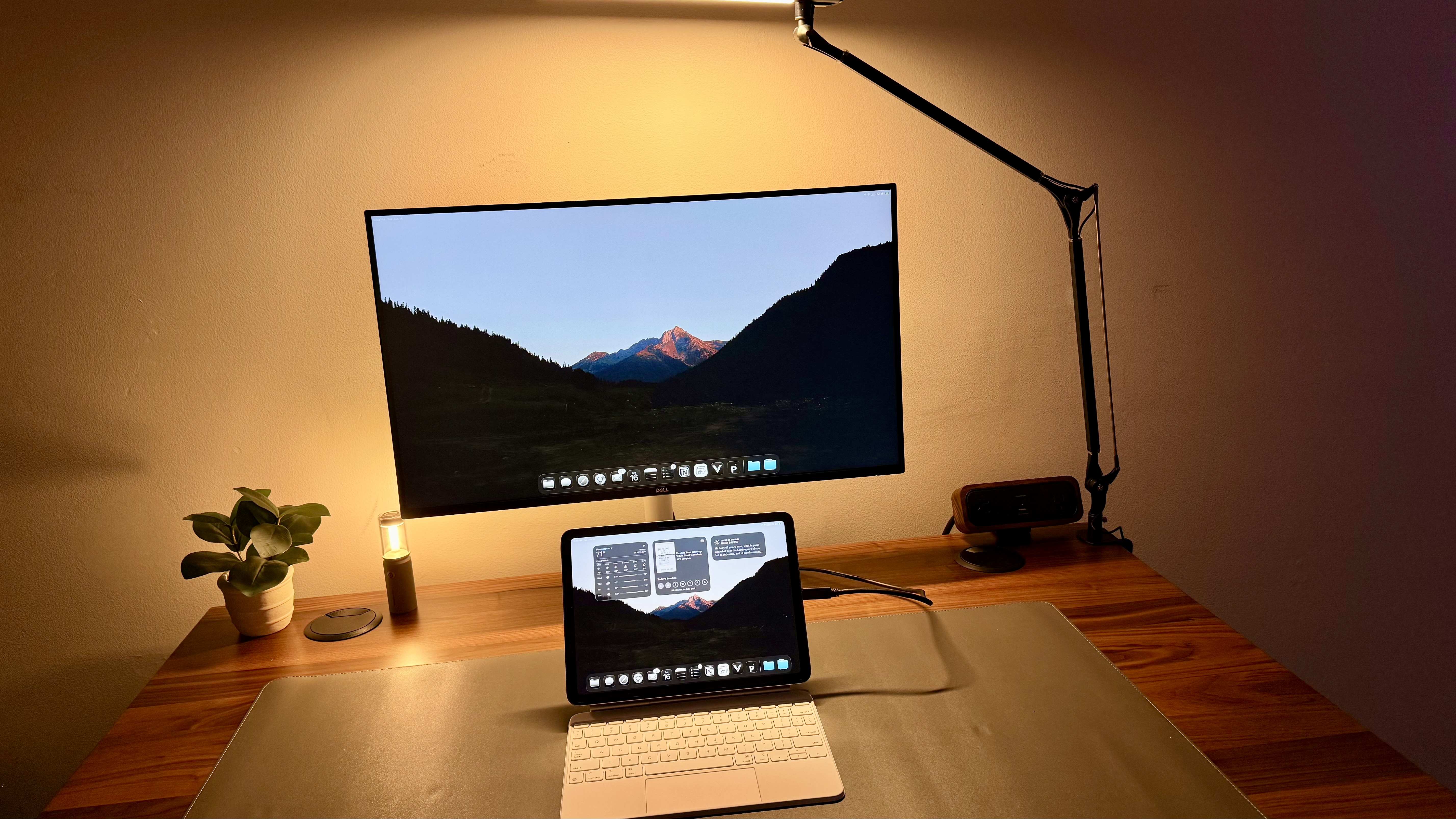
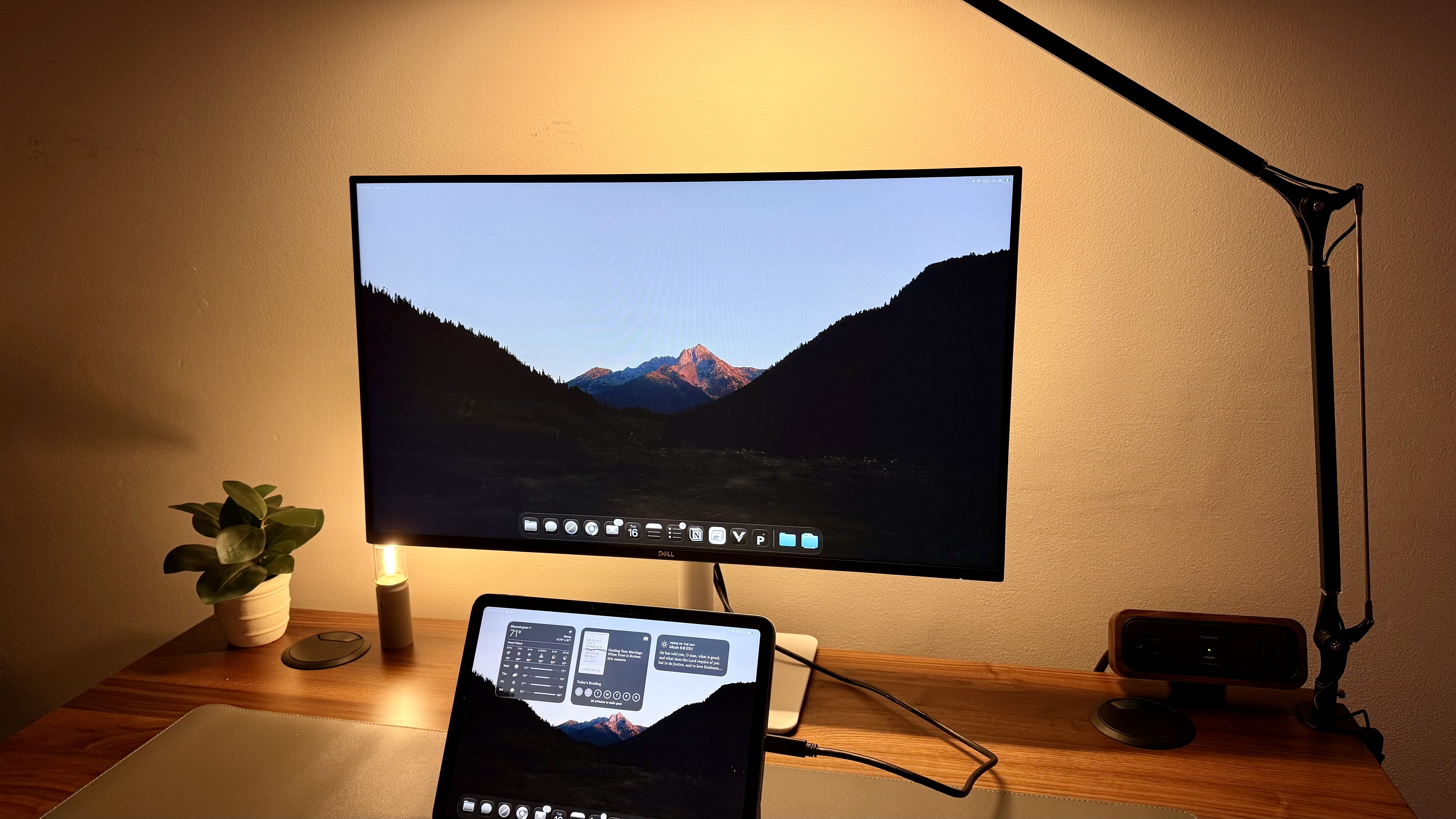
The USB-C feature adds a layer of simplicity to this monitor: instead of needing a dock or an HDMI plug-in, you can simply train your team to plug in their company laptop with a single USB-C cable. One-cable setups are super easy, and this monitor does that very, very well.
For those who need simple and those who don't need anything fancy, this may just be one of the perfect monitors that fits that gap, while every other monitor seems to be trying to push for the best of the best of the best in some other area that may or may not matter to the masses.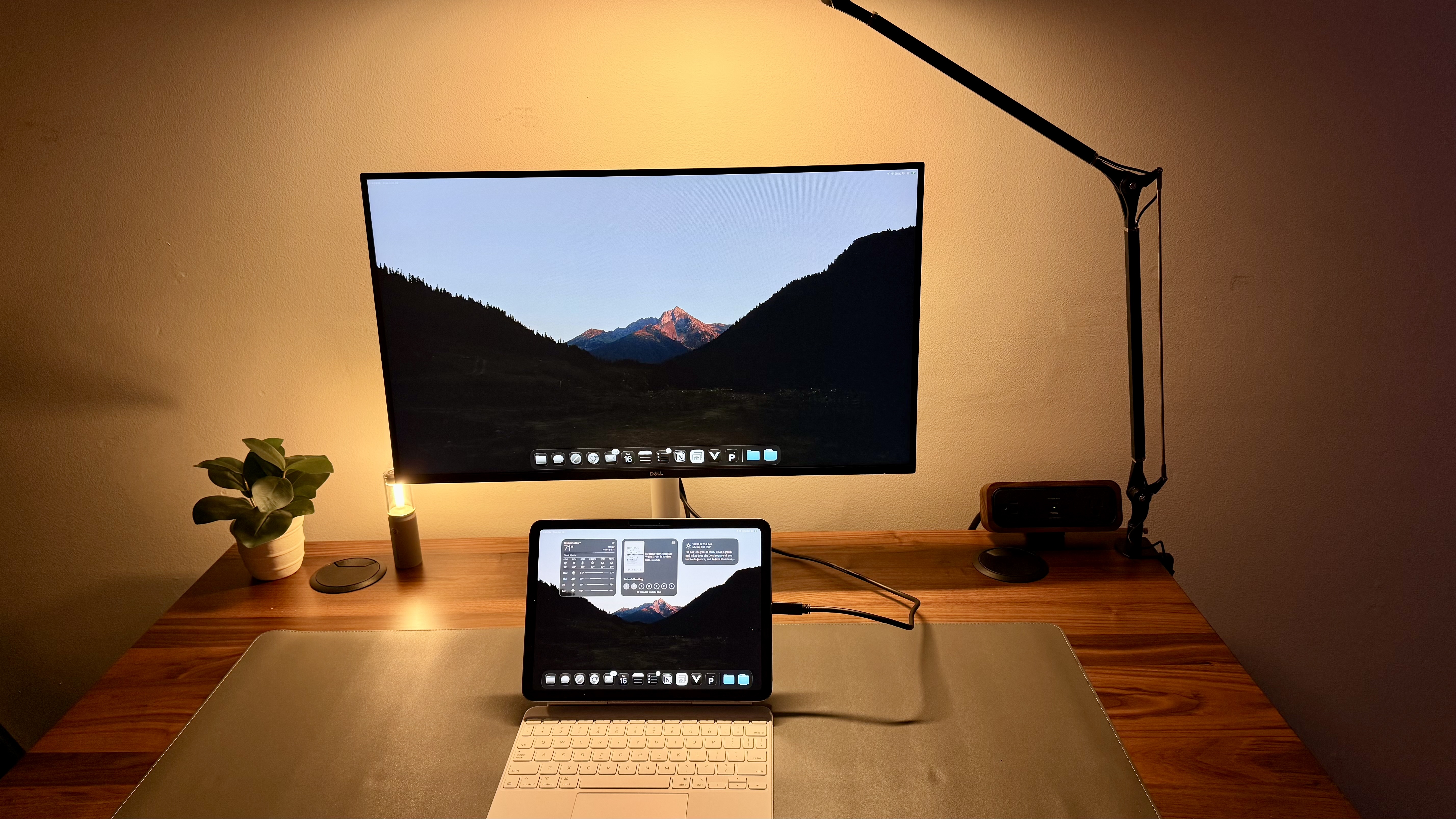
Dell 27 Plus QHD USB-C Monitor: Price and Availability
The Dell 27 Plus QHD USB-C S2725DC is widely available from Dell in all regions, as well as retailers such as Amazon. It retails for around $250 / £250.
For what you're getting, that feels like a phenomenal price to me. Especially when buying these out in bulk across multiple locations, offices, or similar setups.
Dell 27 Plus QHD USB-C Monitor: Unboxing and First Impressions
Right out of the gate, the unboxing for this one is very similar to the last Dell 27" HD monitor that I tested. It's a very simple white box. Inside is just as simple. There is a monitor, a three-piece stand, and some included cables. The only difference is that this box includes a USB-C cable as well. That is actually a surprising length, making it long enough for you to route into a desk, pull away, or mount somewhere as well, if needed. I would have expected probably a meter or two, but this one seems to be quite a bit longer in a good way.
Once set up, I was able to plug in a test device via USB-C to confirm it had power. Then I tested it with all sorts of different devices that I had. I tested it on my MacBook, my iPad, another iPad, and my iPhone. I tested it with several other laptops and a couple of desktops, and all of them worked out great. This USB-C is quick and responsive. The screen looks sharp, and the few times that you need to use the OSD, it works well.
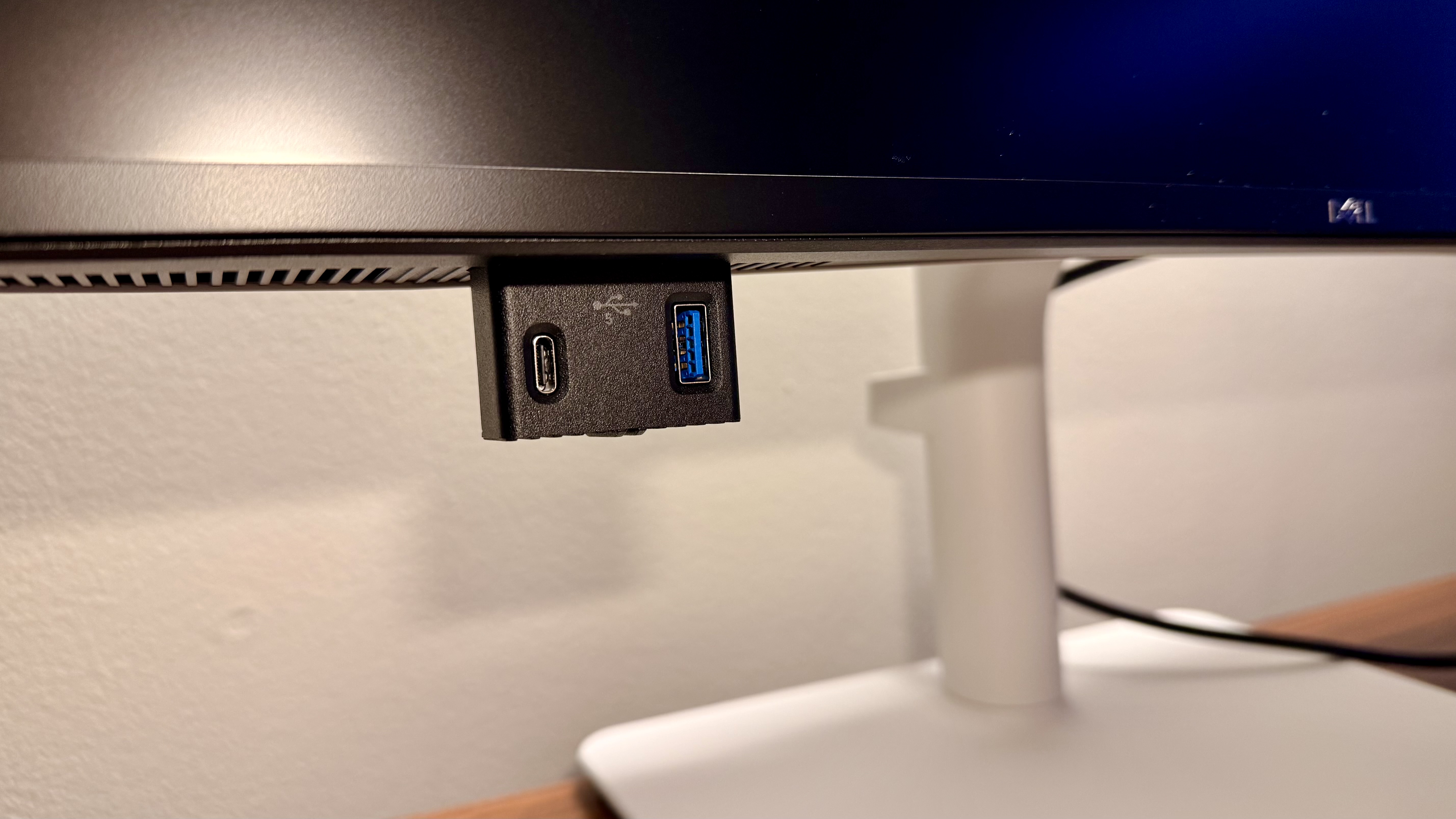
One thing worth noting on this is that the pop-out ports on the bottom actually work really well. Of course, they're not Thunderbolt 5 speeds, but they're fast enough to get the work done you may need to do on this: charge quick devices, transfer some smaller files, things like that. Of course, it doesn't need to have crazy high-speed transfer rates, because that's not the design of this monitor. That would be like trying to cram 57 cup holders into a Ferrari. That's just not necessary, because that's not what that vehicle is designed for. Same thing here. Why would Dell spend money and time and resources on crazy high-speed USB-C on a device that isn't designed to work that way?
Dell 27 Plus QHD USB-C Monitor: Design & Build Quality
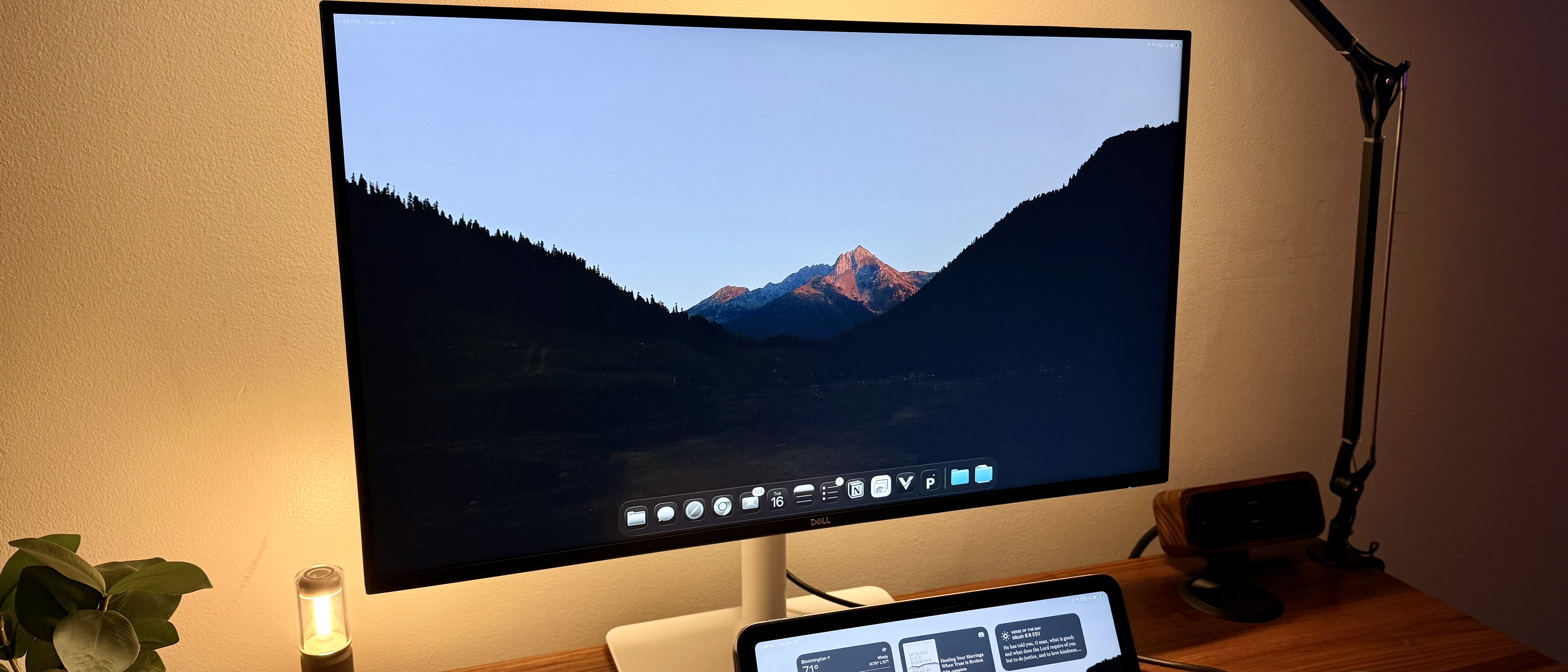
I've already mentioned it a little bit, but the design is simple. It's clean, and it's very work-friendly. This isn't the kind of monitor that's going to turn heads, and that's exactly what Dell was hoping for. This is the kind of monitor you would see on the desk of a data admin or an executive admin at a coworking space. Perhaps a hot desk scenario, maybe an accountant, account manager, or things of that nature.
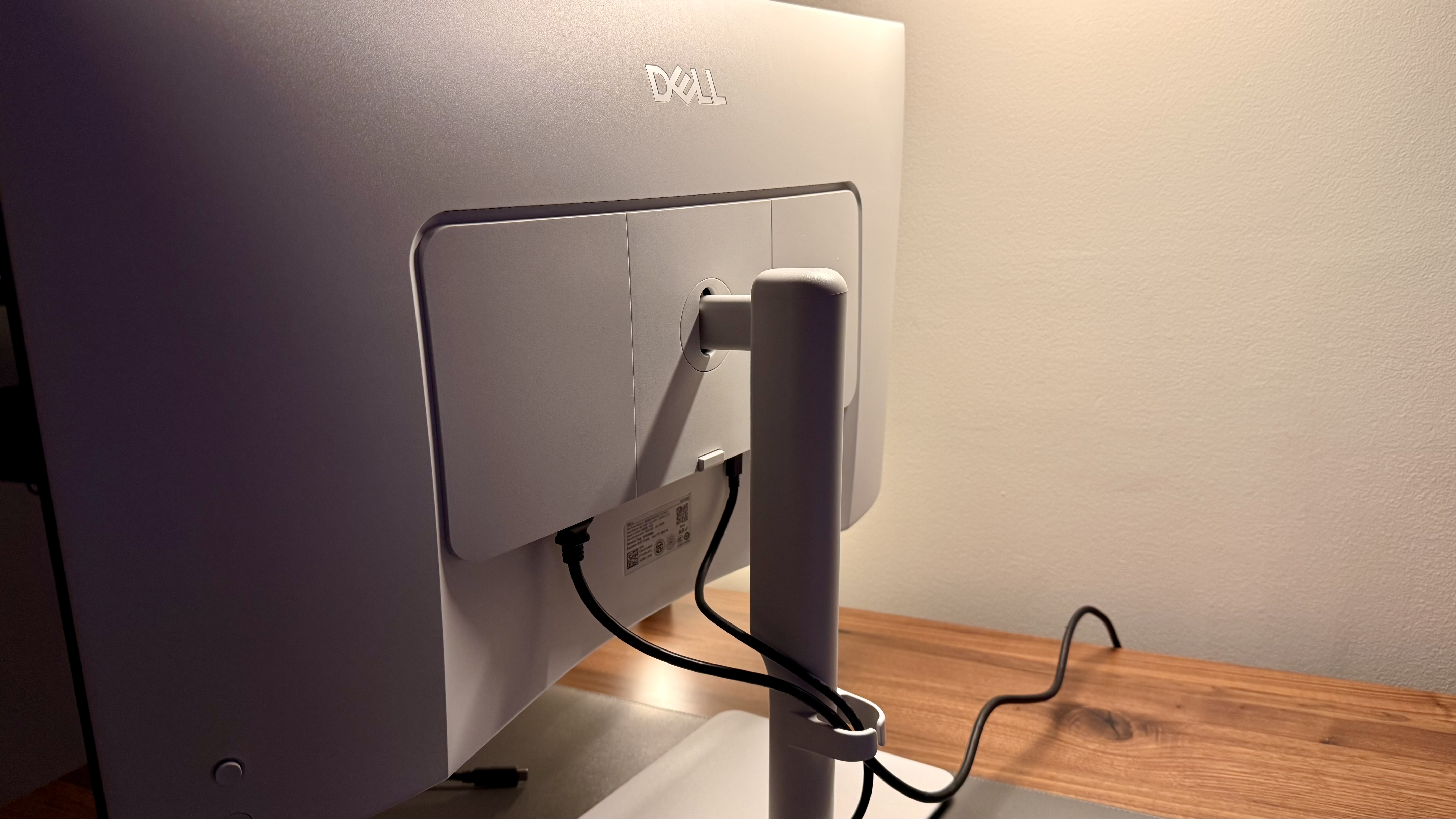
The stand has some slight upgrades from past ones that I've griped about. Instead of a cable pass-through through the base, it actually has a little clip on the back. It's still not perfect, but it seems a little clearer and cleaner to use if you opt not to use the built-in stand. One thing to note is that the monitor is extremely light, so you will need to aggressively adjust your monitor arm to compensate for the reduced weight, which is not usually the case. Usually you have to account for heavier monitors.
There is an OSD joystick for selecting inputs, adjusting USB-C settings, or even choosing the original language when first setting up the monitor. Lastly, I do appreciate that this is a USB-C monitor, as that one-cable setup without needing another dock, another power, or another place to put a docking station really helps clean things up.
Dell 27 Plus QHD USB-C Monitor: In use
This monitor has functioned well for everyday work. I’ll be the first to note that it wouldn't be ideal for color-accurate creative work. Nor would it be great for those who try to fit everything on their display at once, expecting a high-resolution screen to help by scaling. It’s not for video editors, photo editors, creatives, gamers, or those.
But for people who work on spreadsheets, project management, emails, web-based content, writing documents, working with AI, perhaps even basic coding, and things in this realm, those who don’t have a specialty niche when it comes to displays, this will work great. I immediately thought of my friends who work in finance and Insurance. These guys would kill for a monitor like this, as it does exactly what they need without any fluff. It’s not going to take their time to set up and understand.
Well, of course, the single USB-C is a huge benefit for this monitor. It's also super great for IT professionals who need a simple setup to run a server or plug into a server room or something like that. Other devices can be plugged into the HDMI ports, and then when they walk in with their laptop, they can plug in with USB-C. You could, of course, also plug in other devices via USB-C, like desktops, but that would also be just as easy to plug in an HDMI cable. That's not necessarily a huge selling point.
One of the many things that USB-C can transfer is audio, and while this monitor does have speakers, do not expect them to be anything fancy. You can potentially get away with some background audio, maybe some lo-fi beats on Spotify or a virtual meeting, but I wouldn't expect these to be anything crazy or clear. They'll get the job done in some scenarios, but not in many.
Dell 27 Plus QHD USB-C Monitor: Final verdict
All in all, I think it's pretty clear that this is a simple monitor for simple needs for those who don't have a niche need. Nor do they want to spend what some people spend on a car on a monitor.
Monitor technology has gotten incredible. I would know. I've tested most monitors out right now, and while I do love a fancy monitor, there is something to be said for a simple one that is just plug-and-play, without any bells and whistles, that still costs a very reasonable $200-$250.
There's still plenty of demand for that kind of display, and Dell putting out this monitor shows exactly that. 
For more top-performers, we've tested the best business monitors.
Share
What's Your Reaction?
 Like
0
Like
0
 Dislike
0
Dislike
0
 Love
0
Love
0
 Funny
0
Funny
0
 Angry
0
Angry
0
 Sad
0
Sad
0
 Wow
0
Wow
0